
Best Email Marketing Tools for Small Businesses

Best email marketing tools

Email marketing is one of those business activities that can seem unnecessary when you’re just starting out. You might have a website, a few customers, and social media accounts, so building an email list may not feel like an immediate priority.

But consider what happens when someone visits your website, looks at your products, and leaves without making a purchase. You may never get another opportunity to reach that person. If they have voluntarily subscribed to your email list, however, you have a way to share useful information, announce new products, and stay in touch.

That’s where email marketing software becomes valuable.

The right platform can help you collect subscribers, create newsletters, organize contacts, automate welcome emails, and understand how people interact with your campaigns. You don’t necessarily need an expensive system or advanced marketing knowledge to get started.

The challenge is choosing one. There are plenty of email marketing platforms, and their features, pricing structures, and free-plan restrictions can be confusing.

In this guide, we’ll look at six email marketing tools for small businesses, compare their key features, discuss their free options, and explain which types of businesses may benefit from each one.

What Should You Look for in an Email Marketing Tool?

Before comparing individual platforms, think about what you actually need. A freelancer sending a monthly newsletter has different requirements from an online store managing promotional campaigns and abandoned-cart emails.

Pay attention to these features when evaluating a platform.

1. Ease of use

An email marketing platform should make it reasonably simple to create and send campaigns. Look for a visual email editor, straightforward contact management, and an interface that doesn’t require technical knowledge.

If you’re spending more time figuring out the software than preparing your emails, it may not be the right choice.

2. Email automation

Automation allows you to send emails automatically when someone takes a particular action.

For example, when a visitor subscribes to your newsletter, the platform can send a welcome email. A few days later, it might send another message introducing your business or explaining a useful product.

These workflows can save time, especially when your subscriber list starts growing.

However, check which automation features are included in the plan you intend to use. Some providers restrict advanced workflows to paid subscriptions.

3. Contact management and segmentation

Not every subscriber is interested in the same thing.

A freelancer might want to send different emails to existing clients and potential customers. An online store may want to separate customers based on their previous purchases.

Segmentation helps you organize subscribers into relevant groups so you can send more useful messages instead of treating your entire list as one audience.

4. Email templates and design tools

A good email editor should help you create professional-looking messages without requiring coding skills.

Look for customizable templates, mobile-friendly layouts, image support, and a simple drag-and-drop editor.

You don’t need complicated designs. Clear formatting, readable text, and a useful message are usually more important than decorative elements.

5. Reporting and analytics

Email marketing software should help you understand how your campaigns perform.

Useful measurements include:

  • Delivery rate: The percentage of sent emails that were successfully delivered.
  • Open rate: The percentage of delivered emails recorded as opened. Keep in mind that privacy features and automated image loading can make this measurement less reliable.
  • Click-through rate: The percentage of delivered emails that generated at least one click.
  • Unsubscribe rate: The percentage of recipients who unsubscribed after receiving a campaign.

These measurements help you identify what needs improvement. Don’t judge a campaign using open rates alone.

6. Pricing and subscriber limits

A free plan can be useful when you’re starting out, but check its restrictions carefully.

Some services limit the number of subscribers you can store. Others restrict monthly email sends, automation workflows, landing pages, or available templates.

Also, remember that pricing can increase as your contact list grows. Compare the cost at your expected subscriber count rather than choosing a platform based only on its entry-level price.

6 Best Email Marketing Tools for Small Businesses

Here are six platforms worth considering. They serve slightly different audiences, so the best choice depends on your business model, budget, and the features you need.

1. Mailchimp – Best for Businesses Wanting an Established Marketing Platform
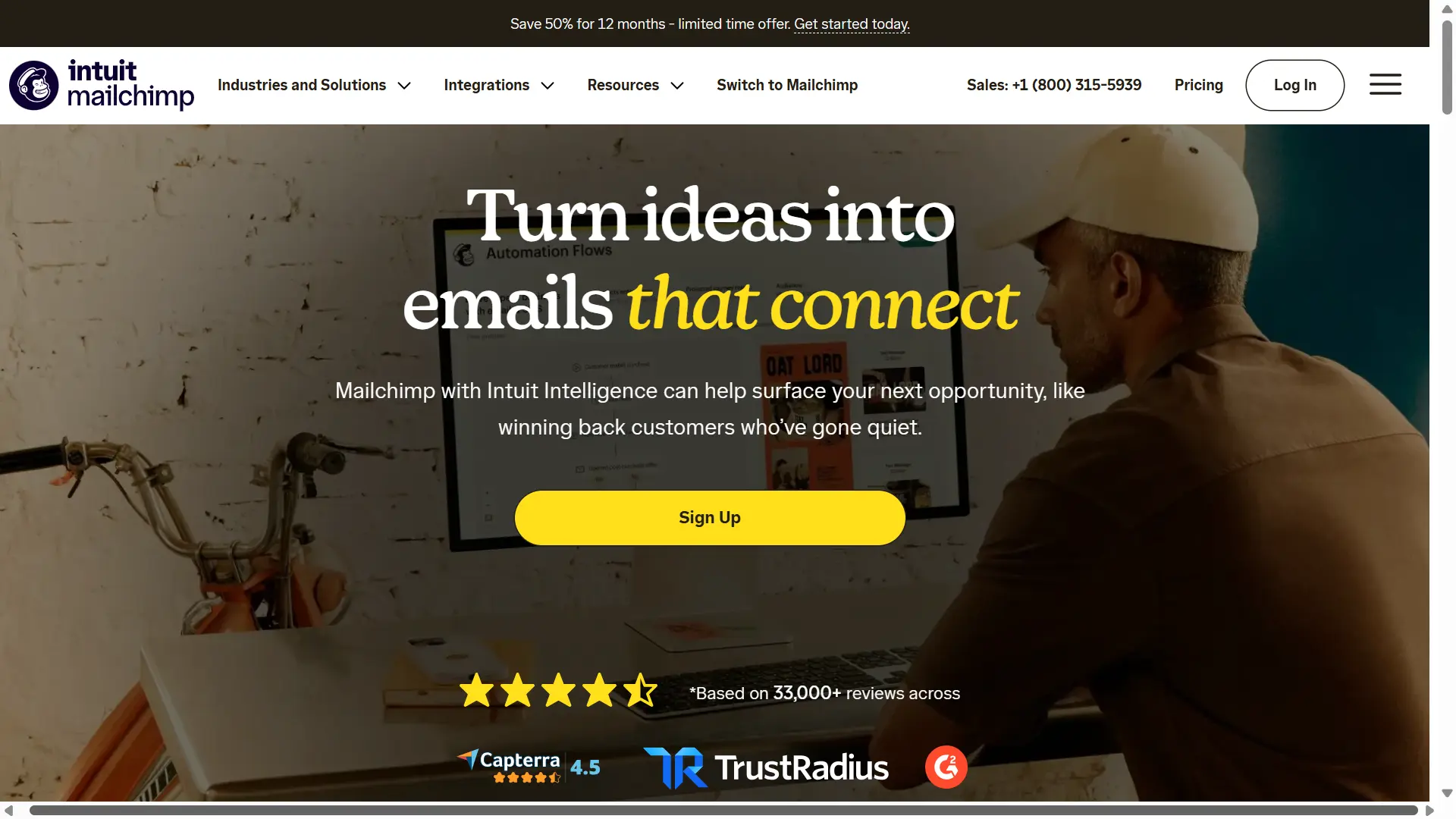
Mailchimp homepage

Mailchimp is a widely recognized email marketing platform that helps businesses create campaigns, manage contacts, and organize their marketing activities.

Its visual campaign editor makes it possible to build emails without writing HTML. Businesses can also use audience management tools, reporting features, and marketing automation depending on their subscription.

Key features

  • Drag-and-drop email campaign builder.
  • Email templates and customization options.
  • Contact management and audience segmentation.
  • Campaign reporting and analytics.
  • Marketing automation on eligible plans.
  • Integrations with other business tools.

Free plan

Mailchimp offers a free plan for up to 250 contacts, with a maximum of 500 email sends per month and a daily sending limit of 250. These restrictions make it more suitable for exploring the platform or managing a very small audience than running regular campaigns at scale.

Who should consider Mailchimp?

Mailchimp may suit a small business that wants an established marketing platform and expects to explore additional marketing features as it grows.

However, don’t assume that every feature is available on the free plan. Check the current plan comparison before choosing it, particularly if you need automation or more advanced reporting.

Website: Mailchimp

2. Brevo – Best for Businesses Managing Multiple Customer Communication Channels
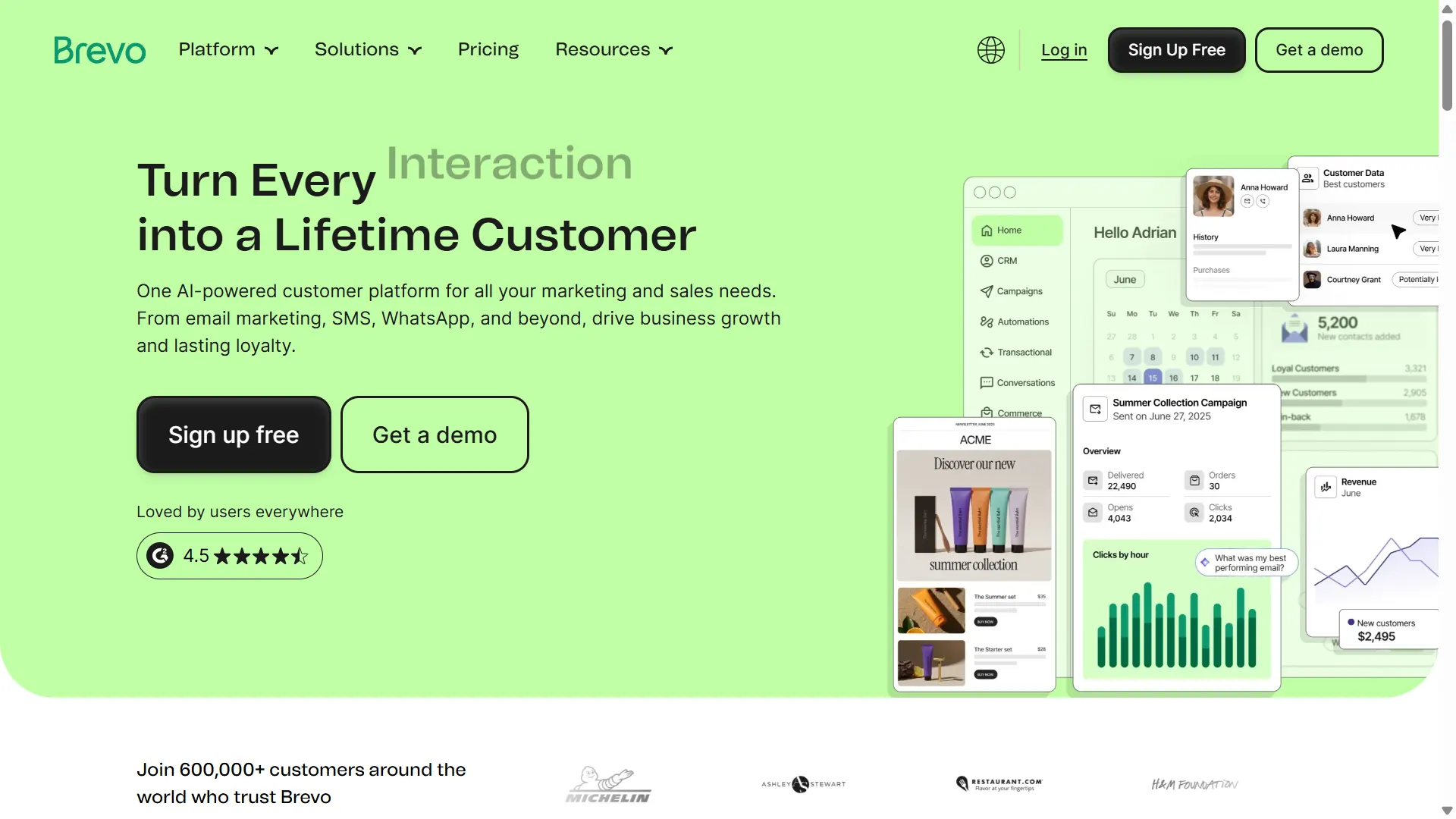
Brevo homepage

Brevo is more than a conventional newsletter tool. It combines email marketing with other communication and customer-management features, making it worth considering if your business expects to communicate with customers through multiple channels.

You can create email campaigns, manage contacts, and use automation to organize certain customer interactions.

One useful difference is its pricing approach: the free plan is based on daily email sending rather than simply limiting the number of contacts you can store.

Key features

  • Email campaign creation.
  • Drag-and-drop email editor.
  • Contact management.
  • Basic campaign reporting.
  • Marketing automation.
  • SMS and other communication options, subject to plan and add-on restrictions.
  • Transactional email capabilities.

Free plan

Brevo’s free plan includes up to 300 email sends per day and contact storage for up to 100,000 contacts. It also includes email campaigns, basic reporting, and selected automation capabilities, with automation subject to a 2,000-contact limit.

The contact-storage allowance should not be confused with unlimited email sending. You can store a large number of contacts while still being restricted by the daily sending allowance.

Who should consider Brevo?

Brevo is worth considering for small businesses that maintain larger contact lists but don’t need to send thousands of emails every day.

It may also be useful if you want to manage more than newsletters from one platform. Before upgrading, compare its email sending tiers and any additional channel costs.

Website: Brevo

3. MailerLite – Best for Beginners Who Want Simple Email Marketing
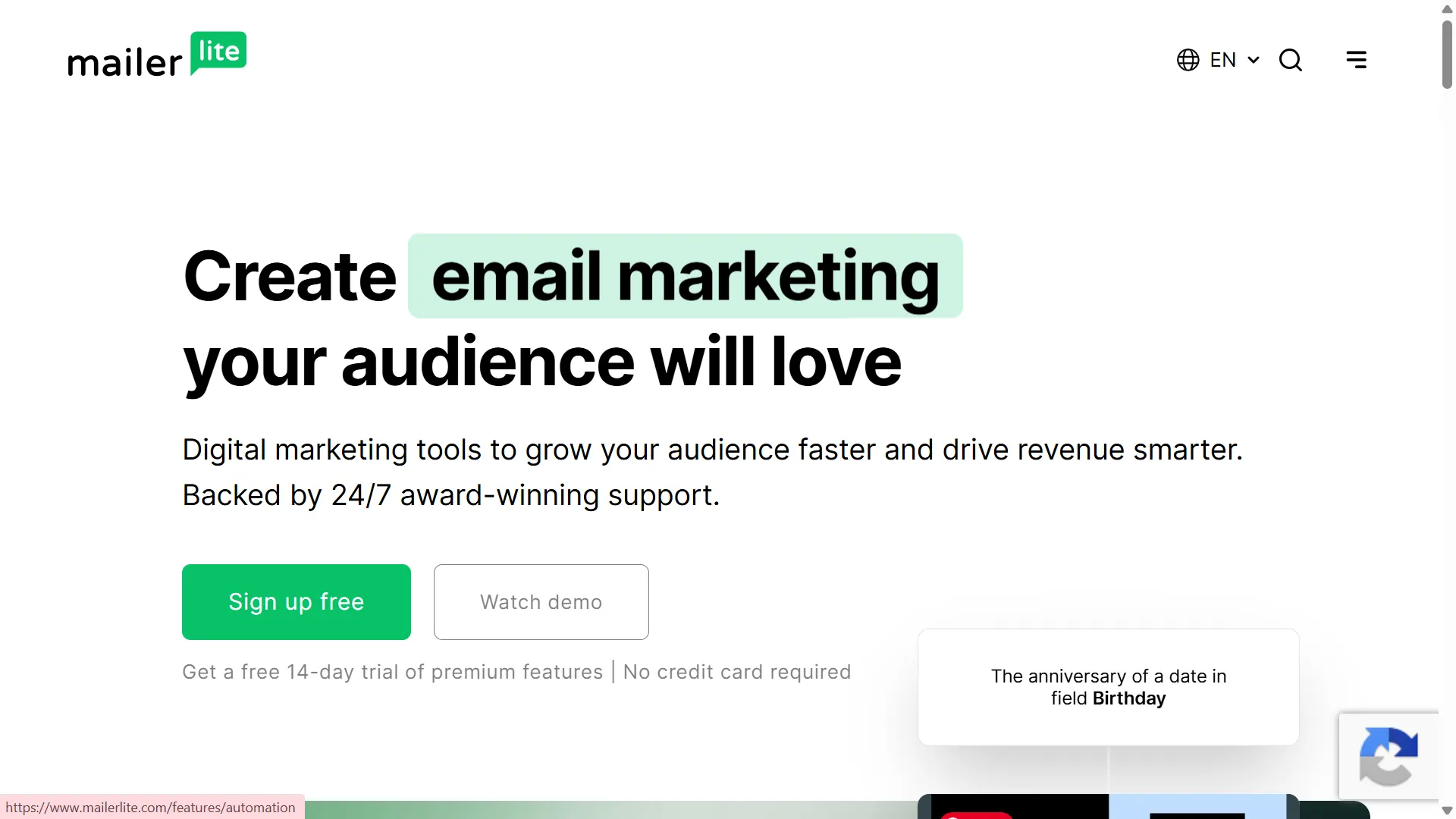
MailerLite homepage

MailerLite is a good candidate for people who want to start email marketing without dealing with an overly complicated interface.

It offers email campaign creation, signup forms, landing pages, automation, and audience management. This combination can be useful for freelancers, small businesses, and website owners who want to build an email list and communicate with subscribers regularly.

Key features

  • Drag-and-drop email editor.
  • Newsletter creation.
  • Signup forms and promotional pop-ups.
  • Landing pages.
  • Visual email automation.
  • A/B testing.
  • Basic audience and campaign reporting.

Free plan

MailerLite’s current free plan includes up to 250 active subscribers and 2,500 monthly email sends. It also includes three visual automations, three forms and pop-ups, one landing page, and one website.

These limits are important. Older articles may mention a 500-subscriber allowance or a different sending limit, but MailerLite updated its free plan on June 16, 2026.

If you have a growing subscriber list, check the latest restrictions before committing to the platform.

Who should consider MailerLite?

MailerLite is worth considering if you’re a beginner who wants an approachable email marketing tool with basic automation and landing-page features.

It can be a practical starting point for a small newsletter or a business that wants to collect leads through its website without immediately purchasing a more advanced marketing system.

Website: MailerLite

4. Kit – Best for Content Creators and Newsletter Publishers
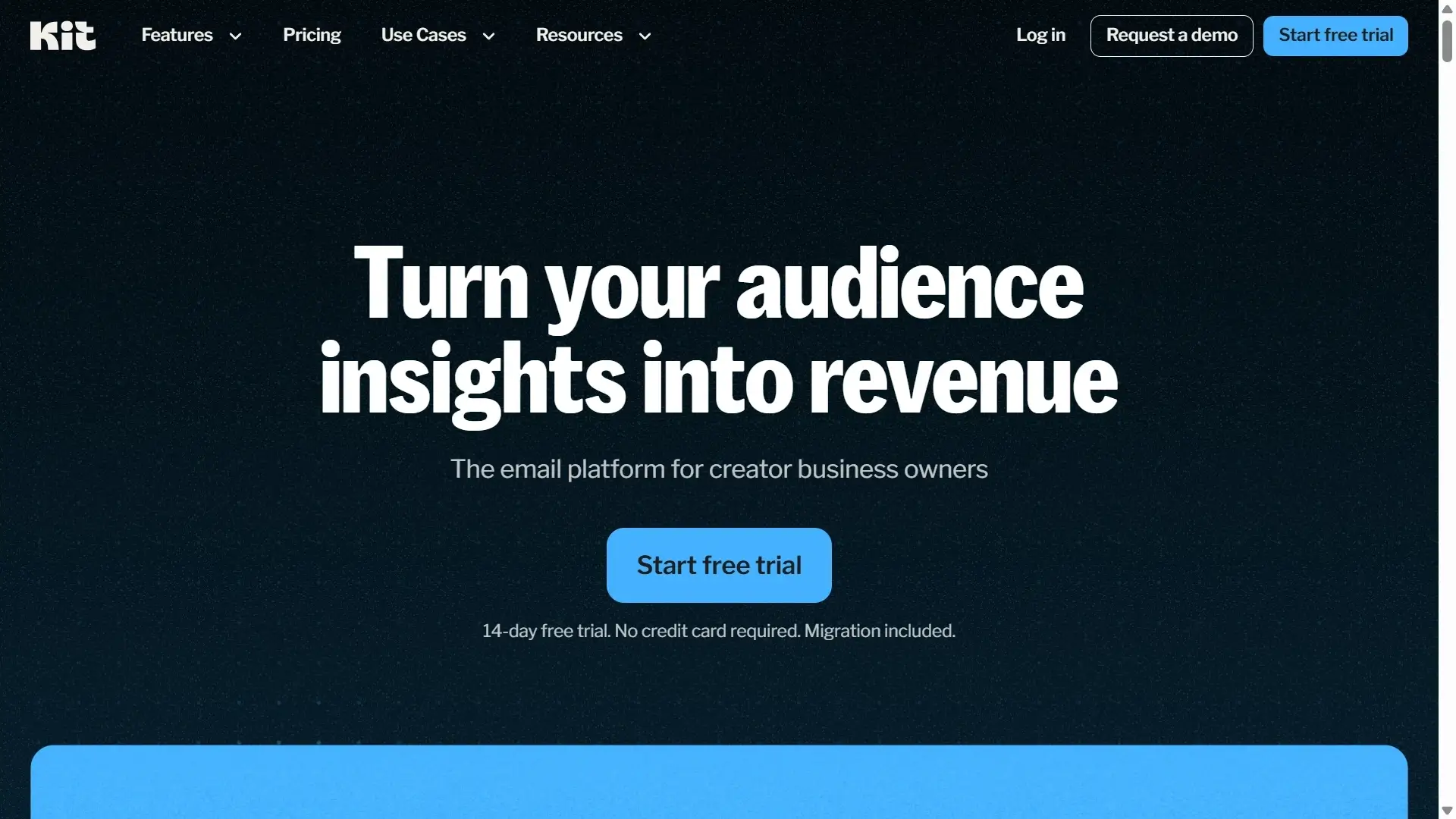
Kit homepage

Kit, previously known as ConvertKit, is designed with creators in mind.

It is particularly relevant to newsletter publishers, independent professionals, educators, and people who earn income by sharing knowledge or selling digital products.

Instead of focusing only on conventional promotional campaigns, Kit places considerable emphasis on audience relationships, subscriber management, and creator-focused monetization.

Key features

  • Email broadcasts and newsletters.
  • Subscriber tagging and segmentation.
  • Signup forms and landing pages.
  • Digital product and subscription sales.
  • A/B testing for broadcasts.
  • Creator Network recommendations.
  • Email sequences and visual automation on eligible paid plans.

Free plan

Kit’s free Newsletter plan supports up to 10,000 subscribers. It includes unlimited email broadcasts, forms, landing pages, audience tagging, segmentation, and selected creator-commerce features.

There is an important limitation: visual automations and email sequences are not included in the free plan. You need a paid subscription for those features.

That distinction matters if your main objective is to build a multi-step welcome sequence or a more advanced automated campaign.

Who should consider Kit?

Kit is a strong candidate for creators who publish newsletters, sell digital products, or want to build a direct relationship with their audience.

For a traditional local business that mainly needs promotional emails and customer announcements, some of its creator-focused features may be unnecessary.

Website: Kit

5. GetResponse – Best for Businesses That Need Email Marketing and Lead Generation Tools
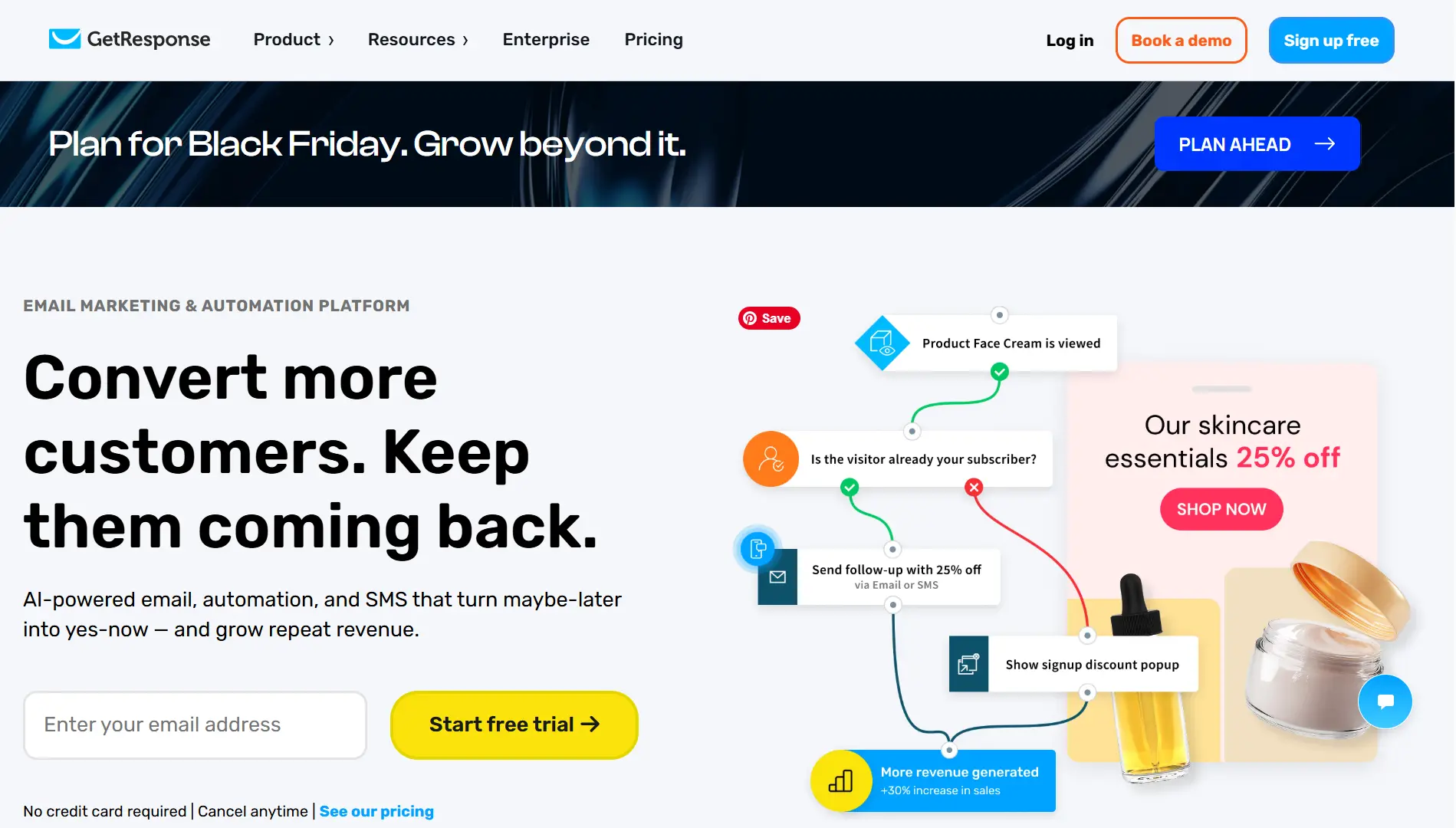
Getresponse homepage

GetResponse combines email marketing with tools for capturing leads and managing marketing campaigns.

Along with newsletters, the platform offers landing pages, signup forms, automation, and other features designed to help businesses attract and communicate with potential customers.

This can be useful if you want to manage more of your lead-generation process within one service.

Key features

  • Email campaign builder.
  • Newsletter templates.
  • Signup forms and pop-ups.
  • Landing page creation.
  • Audience segmentation.
  • Email automation.
  • Marketing funnels and additional marketing tools on eligible plans.

Free plan

GetResponse offers a free plan for small audiences. Its published free-plan information includes up to 500 contacts and 2,500 newsletter sends per month, along with basic email marketing and lead-generation tools.

Some premium features are available during an initial 14-day trial, after which access depends on the plan you choose.

Do not confuse temporary trial access with permanent free-plan features. Check the current terms before building your marketing process around a particular feature.

Who should consider GetResponse?

GetResponse may suit a business that wants email marketing alongside landing pages and lead-generation tools.

It is worth comparing if you plan to collect leads through dedicated landing pages rather than relying entirely on a newsletter signup form embedded in your website.

Website: GetResponse

6. AWeber – Best for Straightforward Newsletter and Email Campaign Management
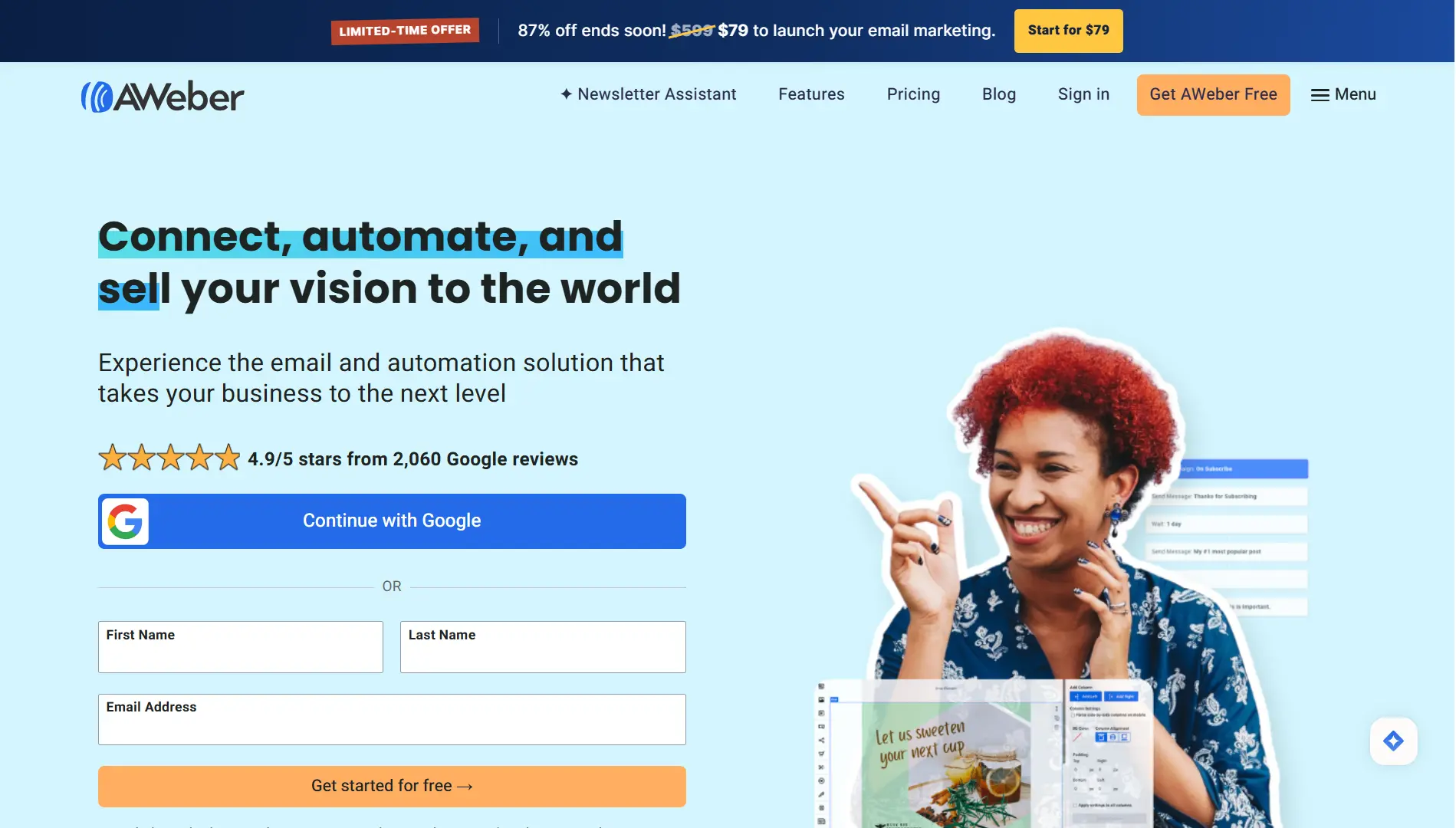
AWeber homepage

AWeber is an established email marketing service that focuses on newsletters, subscriber management, and campaign communication.

It offers tools for creating emails, organizing subscribers, and setting up automated messages. This can make it relevant to small businesses and independent professionals who want to maintain regular contact with their audience.

Key features

  • Email newsletter creation.
  • Email templates.
  • Subscriber management.
  • Signup forms and landing pages.
  • Email automation.
  • Campaign reporting.
  • Integrations with other services.

Free plan

AWeber’s free plan supports up to 500 subscribers and 3,000 email sends per month. It also includes a single list profile and one workflow automation or autoresponder campaign.

This can be enough to understand the platform and start sending basic campaigns, although businesses with larger audiences or more complex automation requirements may need a paid plan.

Who should consider AWeber?

AWeber is worth comparing if you want a conventional email marketing platform for newsletters, subscriber management, and basic automated communication.

Before selecting it, compare the available automation features and paid-plan costs with other services in this list.

Website: AWeber

How to Choose the Right Email Marketing Software

1. Identify what you want to achieve.

Are you trying to build a newsletter, generate leads, promote products, or maintain relationships with existing customers?

Write down your primary goal. It will help you avoid paying for features you may never use.

2. Estimate your subscriber count.

Think about how many people you expect to have on your list over the next six to twelve months.

A platform that is inexpensive for 250 subscribers may become considerably more expensive when your list reaches 5,000 or 10,000.

3. Check the sending allowance.

A contact limit and an email sending limit are two different things.

For example, a platform may allow you to store thousands of contacts but restrict how many emails you can send each day or month. Make sure its sending allowance matches your campaign frequency.

4. Test the email editor.

Create a sample newsletter before committing to a paid plan.

Check whether you can add images, format headings, insert links, adjust spacing, and preview the email on mobile devices.

A tool that looks impressive on its pricing page may not fit your actual working style.

5. Check automation restrictions.

If you want to send welcome emails, follow-up messages, or customer reminders automatically, verify that the necessary automation features are available on your chosen plan.

Don’t assume a free plan includes every feature advertised on the provider’s main website.

6. Compare the long-term cost.

Look beyond the introductory price.

Check how much the service costs when your subscriber count increases, whether annual billing is required for a discount, and whether additional features or users cost extra.

This small comparison can help you avoid switching platforms later because your original choice became too expensive.

Common Email Marketing Mistakes Small Businesses Should Avoid

Choosing the right software is only one part of email marketing. How you use it matters just as much.

Here are a few mistakes worth avoiding.

Buying email lists

Purchasing a list of email addresses may seem like a quick way to reach potential customers, but it can create serious problems.

Those people may not have agreed to receive your marketing messages. Purchased lists can also contain outdated addresses, spam traps, and uninterested recipients.

Build your list through genuine subscriptions and make sure people understand what they are signing up for.

Sending too many promotional emails

If every email asks someone to buy something, subscribers may lose interest.

Share useful information, practical advice, product updates, and occasional offers. Give people a reason to open your messages beyond seeing another sales pitch.

Ignoring mobile users

Many people read emails on their phones. A message that looks attractive on a desktop but requires excessive zooming on a mobile screen creates an unnecessary obstacle.

Preview your campaigns on different screen sizes before sending them.

Forgetting to measure results

Sending emails without reviewing the results makes it difficult to improve.

Look at clicks, conversions, unsubscribes, and other relevant measurements. If people are clicking a particular type of link, investigate what made that content useful to them.

Ignoring email marketing regulations

Email marketing is subject to privacy and anti-spam requirements that vary by location.

Depending on where your business and subscribers are based, laws such as the CAN-SPAM Act, GDPR, and Canada’s CASL may apply.

Use appropriate consent practices, identify your business clearly, provide a working unsubscribe method, and honor opt-out requests. Check the rules relevant to your audience rather than assuming one country’s requirements apply everywhere.

Final Thoughts

Choosing email marketing software doesn’t have to be complicated. Start with the features you genuinely need, understand the free-plan restrictions, and compare what each platform will cost as your audience grows.

For a beginner, MailerLite is worth exploring. Brevo deserves attention if contact storage and multi-channel communication matter. Kit is a natural candidate for creators, while GetResponse may suit businesses that need additional lead-generation tools. Mailchimp and AWeber are also worth comparing for conventional email marketing.

Don’t sign up for the most expensive platform simply because it offers the largest feature list. A simple tool that fits your current business needs is often a better starting point than a complicated system you barely use.

Build your subscriber list with permission, send emails people actually want to read, and use campaign data to improve over time. That’s what makes email marketing useful—not the number of features on a pricing page.

Frequently Asked Questions

What is the best email marketing tool for a small business?

The best choice depends on your requirements. MailerLite is worth considering for beginners, Brevo for businesses with larger contact lists, Kit for creators, and GetResponse for businesses that need email campaigns alongside lead-generation tools.

Compare the features and limitations of each platform before deciding.

Can I use email marketing software for free?

Yes. Several providers offer free plans, including Mailchimp, Brevo, MailerLite, Kit, GetResponse, and AWeber.

However, their restrictions differ. Some limit subscribers, others limit monthly email sends, and certain automation features require a paid subscription.

How many subscribers do I need before starting email marketing?

You don’t need a large audience to begin.

Even a small list of people who genuinely want to hear from your business can be valuable. Start collecting subscribers when you have something useful to share, and focus on building a relevant audience rather than chasing a particular number.

Is email marketing useful for freelancers?

Yes. Freelancers can use email newsletters to share industry insights, announce services, provide useful resources, and stay connected with previous clients.

For example, a freelance designer might send occasional emails about website design improvements or share examples of common branding mistakes.

How often should a small business send marketing emails?

There is no universal schedule. A weekly newsletter may work for a business that regularly publishes useful content, while a service provider might only need to send occasional updates.

Choose a schedule you can maintain and tell subscribers what kind of communication they should expect.

Do I need a website to start email marketing?

Not necessarily. Many platforms provide signup forms and landing pages that can help you collect subscribers without an existing website.

However, having a website can make it easier to publish useful information, explain your services, and provide a consistent place for potential customers to learn about your business.

Is email marketing better than social media marketing?

They serve different purposes, so one does not automatically replace the other.

Social media can help people discover your business, while an email list gives you a direct way to communicate with subscribers who have opted in. Using both channels together can support a more consistent marketing strategy.

Leave a Comment