1. ChatGPT
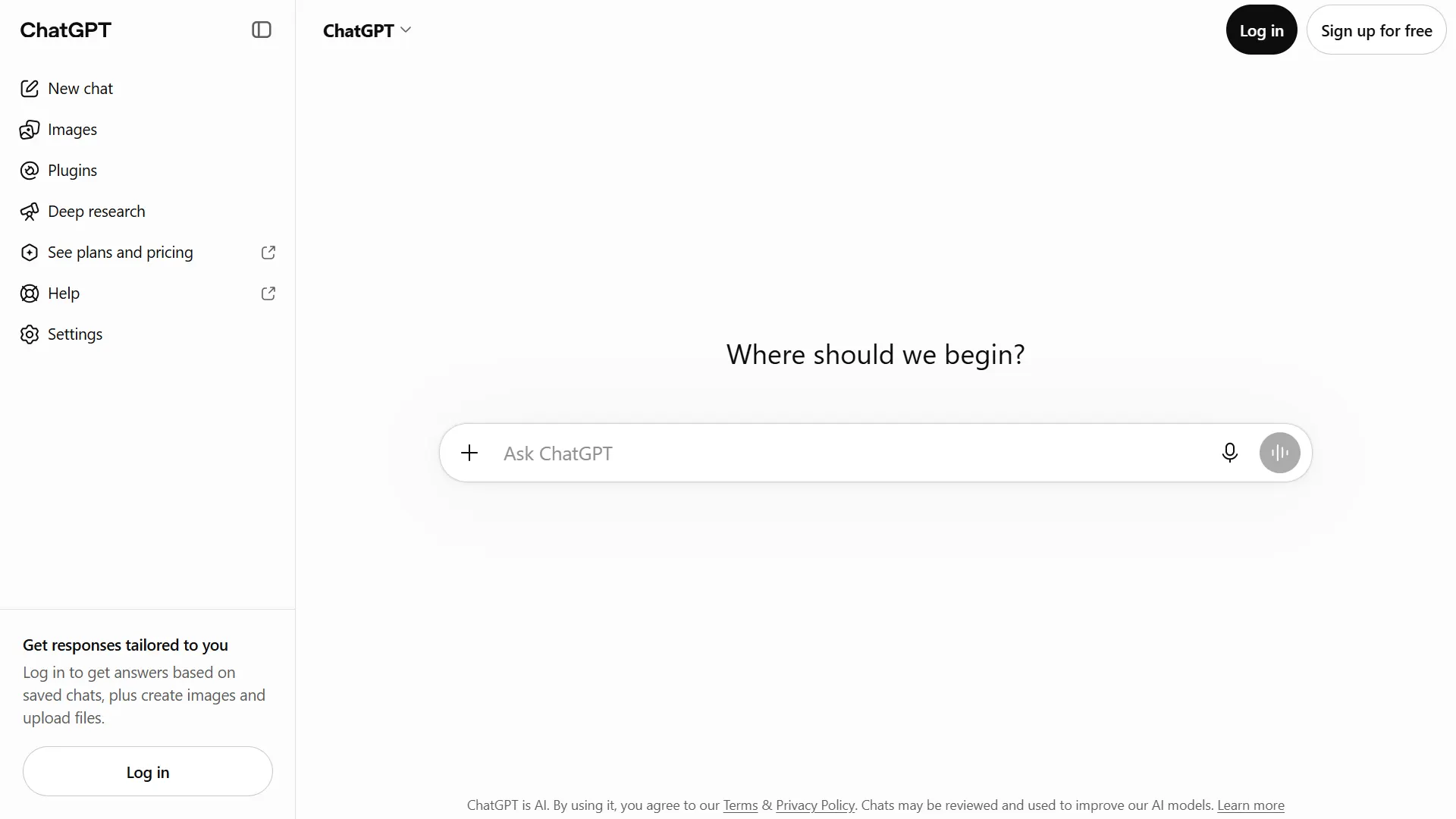
Official website: ChatGPT
When you are staring at a blank document, getting started is often the hardest part. ChatGPT can help you move from a rough idea to a workable plan by suggesting topics, organizing information, drafting outlines, and refining text.
For example, if you want to publish an article about AI tools for beginners, you could ask it to identify the questions a beginner might have, organize those questions into sections, and suggest a logical order for the article.
It can also help with social media captions, video scripts, email drafts, headline ideas, and explanations of complicated topics. Depending on the available features and your plan, it can also assist with image creation, file analysis, and research.
The important part is how you use it. A broad request such as “write an article about AI” is likely to produce generic material. A more useful prompt explains the intended audience, the question being answered, the desired tone, and any facts that need to be checked.
What works well
- Brainstorming and outlining content.
- Rewriting awkward sentences and improving clarity.
- Adapting an idea for different content formats.
- Developing content plans and creative concepts.
What to watch out for
ChatGPT can produce inaccurate information, outdated details, and confident-sounding statements that need verification. It should not be treated as the sole source for factual claims, product comparisons, or current pricing.
Pricing: A free option is available, with paid plans offering different capabilities and usage limits. Check the current ChatGPT plans before deciding whether to upgrade.
Best for: Bloggers, marketers, freelancers, and creators who want a flexible assistant for different stages of content production.
2. Claude
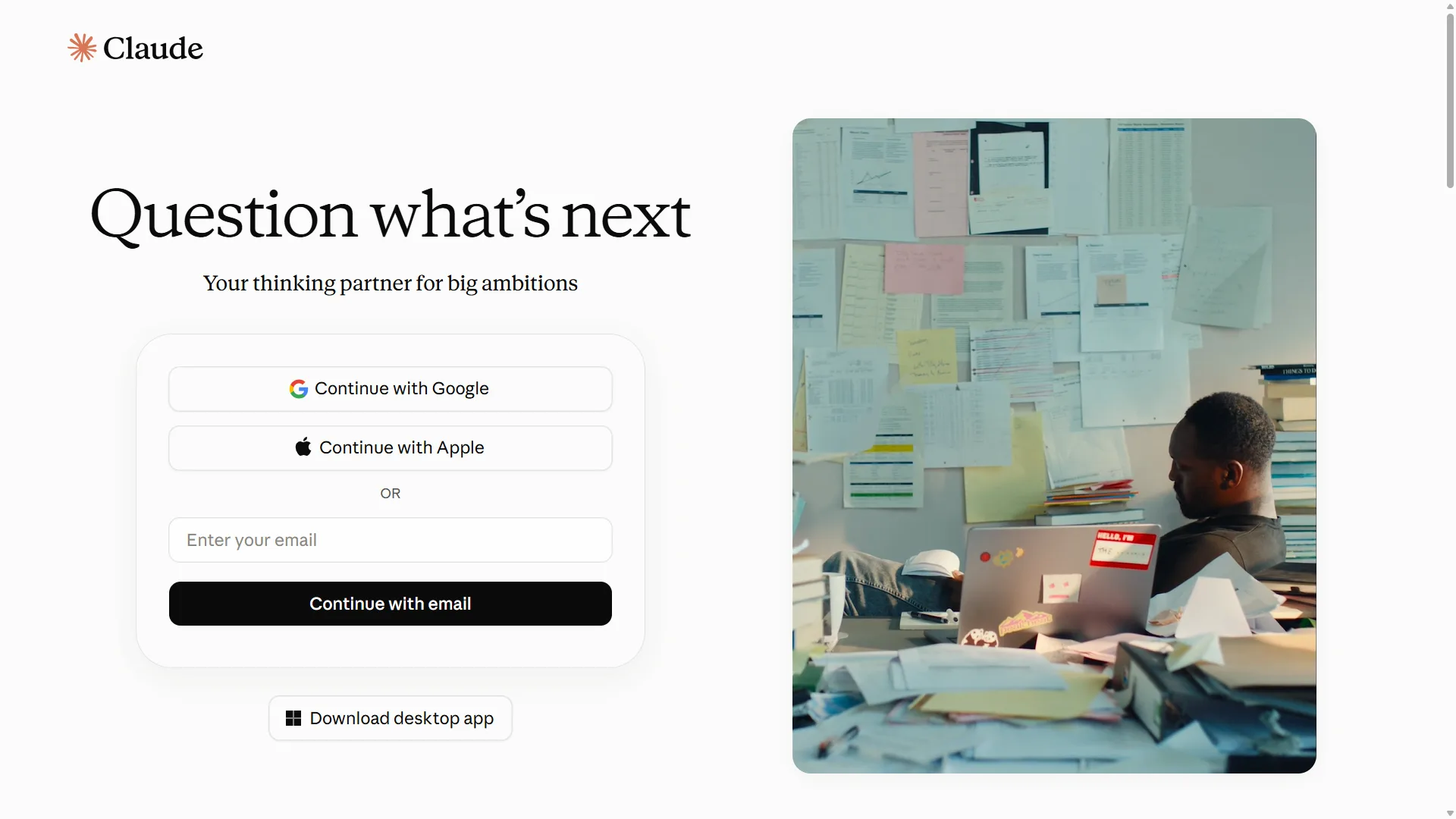
Official website: Claude
Claude is another AI assistant worth considering if much of your work involves writing, editing, and working with longer documents.
You can use it to organize a rough draft, identify sections that feel repetitive, improve transitions, or compare two versions of a paragraph. It can also help you examine a document and identify where the explanation may be confusing to a reader.
Imagine that you have written a 2,000-word blog post and feel that the middle sections repeat the same ideas. Rather than asking for a completely new article, you could ask Claude to identify the repeated points and suggest specific cuts while preserving the original meaning.
That kind of focused editing is often more useful than generating an entirely new draft.
Claude can still misunderstand instructions or introduce errors. Review its suggestions carefully, especially when the text includes technical details, product claims, or information that must remain precise.
What works well
- Reviewing and restructuring long drafts.
- Improving clarity and transitions.
- Summarizing documents and organizing ideas.
- Suggesting more concise wording.
What to watch out for
It is not a substitute for independent fact-checking or subject knowledge. Availability, usage limits, and features depend on the current plan.
Pricing: Free and paid options may be available depending on your location and current plan offerings. See the official Claude website for current details.
Best for: Writers and editors who regularly work with long articles, reports.
3. Canva
Official website: Canva
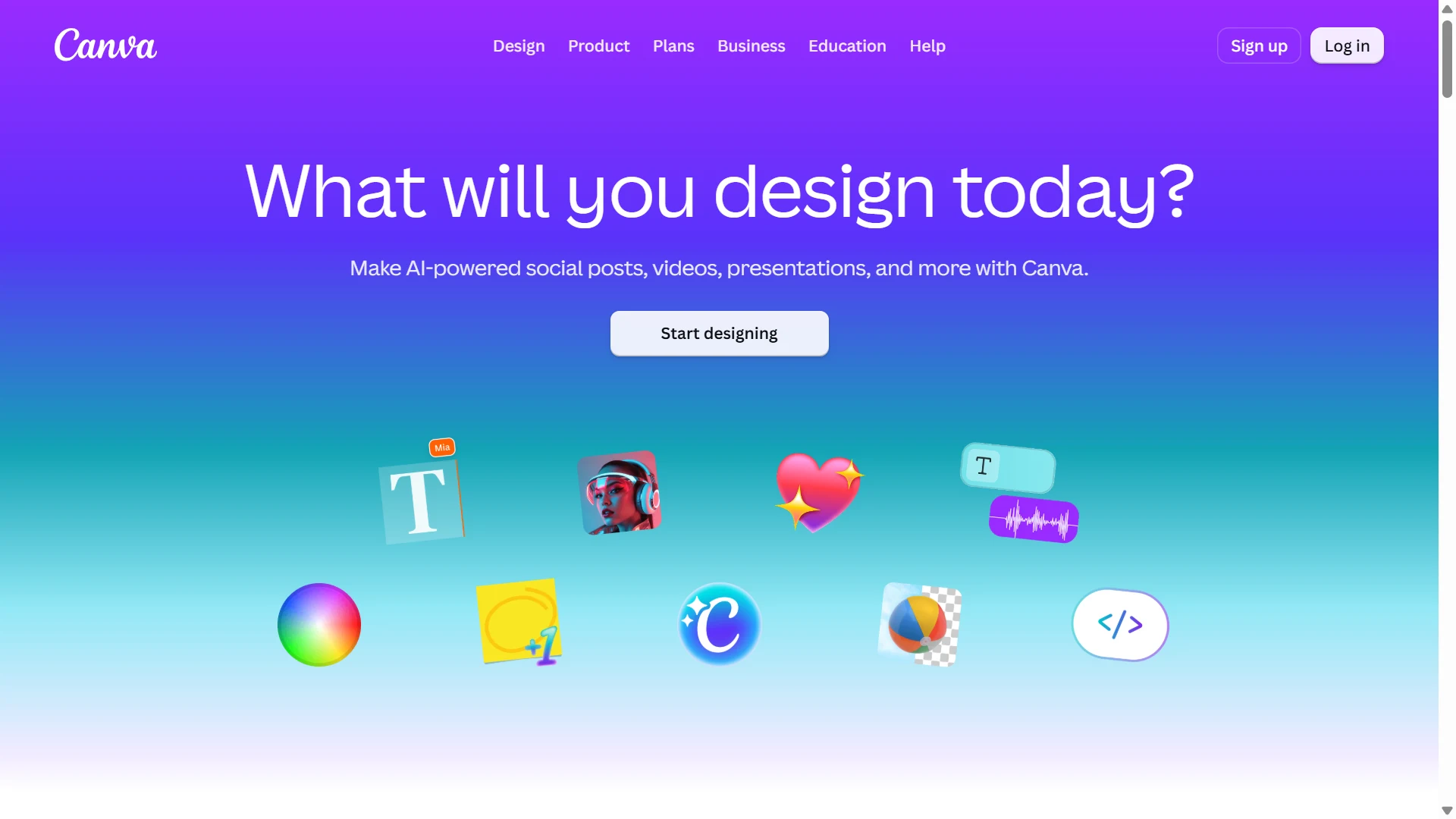
You do not need advanced graphic design skills to produce a clean blog banner, social media post, presentation, or Pinterest pin. Canva combines templates, layout tools, and AI-assisted features in one design environment.
For a blogger, this can be particularly useful. You might create a featured image for an article, design several Pinterest graphics with different headlines, and prepare a social media post using a consistent color palette and typography.
Canva’s AI capabilities can help with tasks such as generating design ideas, creating visual assets, and refining layouts. The features available depend on your plan and the current product offering.
The biggest advantage is that you can continue editing the result. You can adjust spacing, change colors, replace an image, or correct text rather than treating the first generated design as final.
Still, templates can become repetitive if you use them without adapting the layout to your content. A polished design should make the message easier to understand, not simply decorate the page.
What works well
- Blog featured images and article graphics.
- Pinterest pins and social media posts.
- Presentations and promotional material.
- Creating a consistent visual style across content.
What to watch out for
Some AI features and design assets have plan-specific restrictions. Always check the licensing terms for assets you use, particularly in commercial work.
Pricing: Canva offers free access and paid plans. AI feature availability and usage limits vary. Review the official Canva AI information for current details.
Best for: Bloggers, content marketers, small businesses, and creators who need attractive visuals without building every design from scratch.
4. Adobe Firefly
Official website: Adobe Firefly
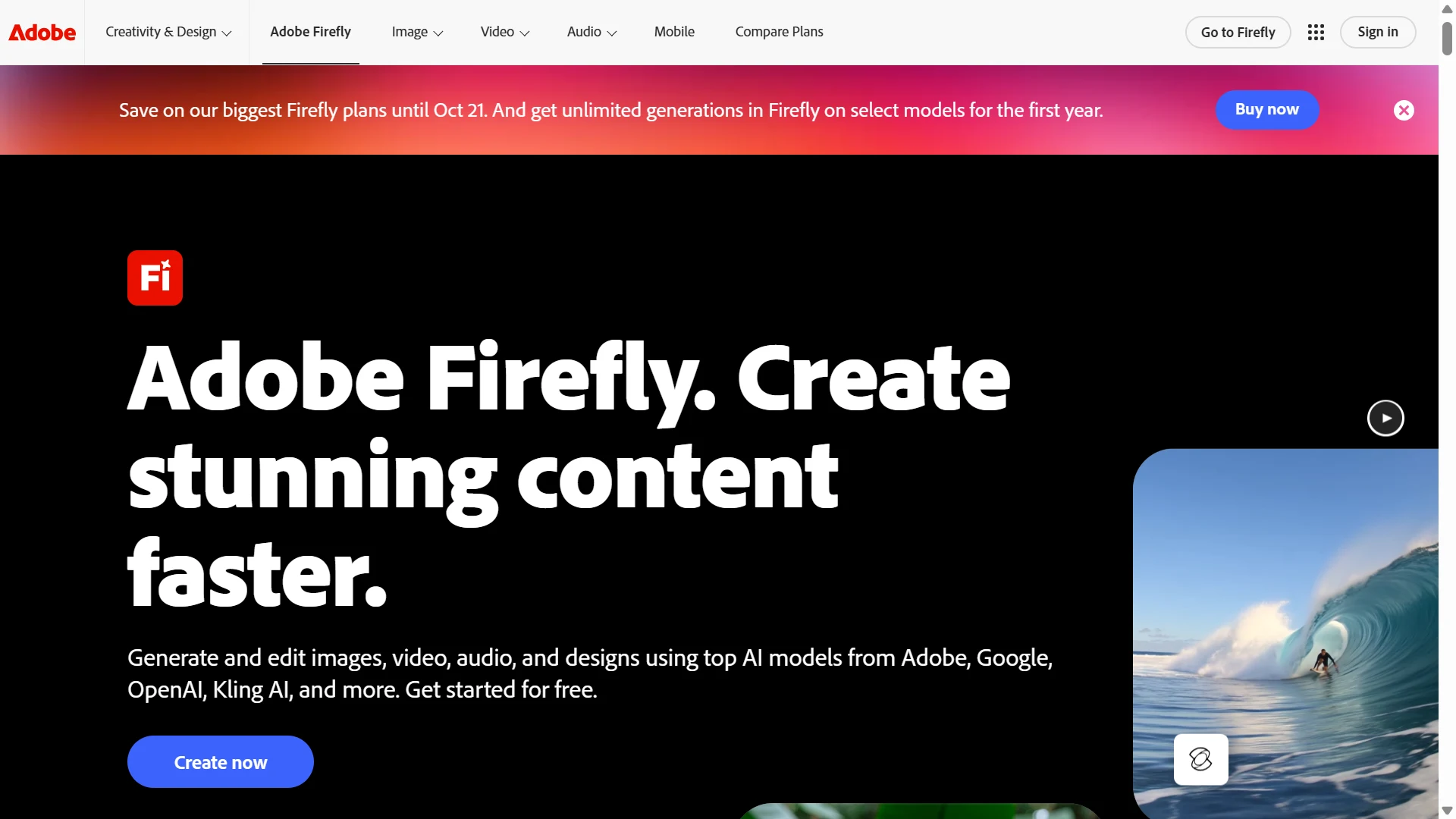
Sometimes a stock image does not quite match the idea you want to communicate. Adobe Firefly can help you create visual concepts from text prompts and work with generative features for images and other creative formats.
For example, you might need an editorial image showing a small-business owner working at a desk with a laptop, notebooks, and a clean workspace. You can describe the composition, lighting, color palette, and mood to guide the generation process.
You can also use Firefly as part of a broader creative workflow, particularly if you already work with Adobe’s design applications.
A useful habit is to be specific about the purpose of the image. A featured image for an educational article needs a different composition from an advertisement or a decorative illustration. Explaining the intended use can help you create a more suitable starting point.
What works well
- Generating visual concepts from text prompts.
- Creating illustrations and supporting editorial imagery.
- Exploring different compositions and visual styles.
- Integrating AI-assisted creation into creative workflows.
What to watch out for
Generated images may contain visual inconsistencies, inaccurate details, or elements that require editing. You should also review the applicable terms for the particular feature you use.
Adobe describes its Firefly models as being trained on licensed content and public-domain content where copyright has expired. However, you should not interpret that as a universal guarantee that every output from every integrated or partner model is free from legal risk. Review the relevant product terms and any beta-feature restrictions before using an image commercially.
Pricing: Access and generative usage limits vary by plan. Check the official Firefly plans for current details.
Best for: AI-Generated Images and Creative Assets, designers, and marketers.
5. Descript
Official website: Descript
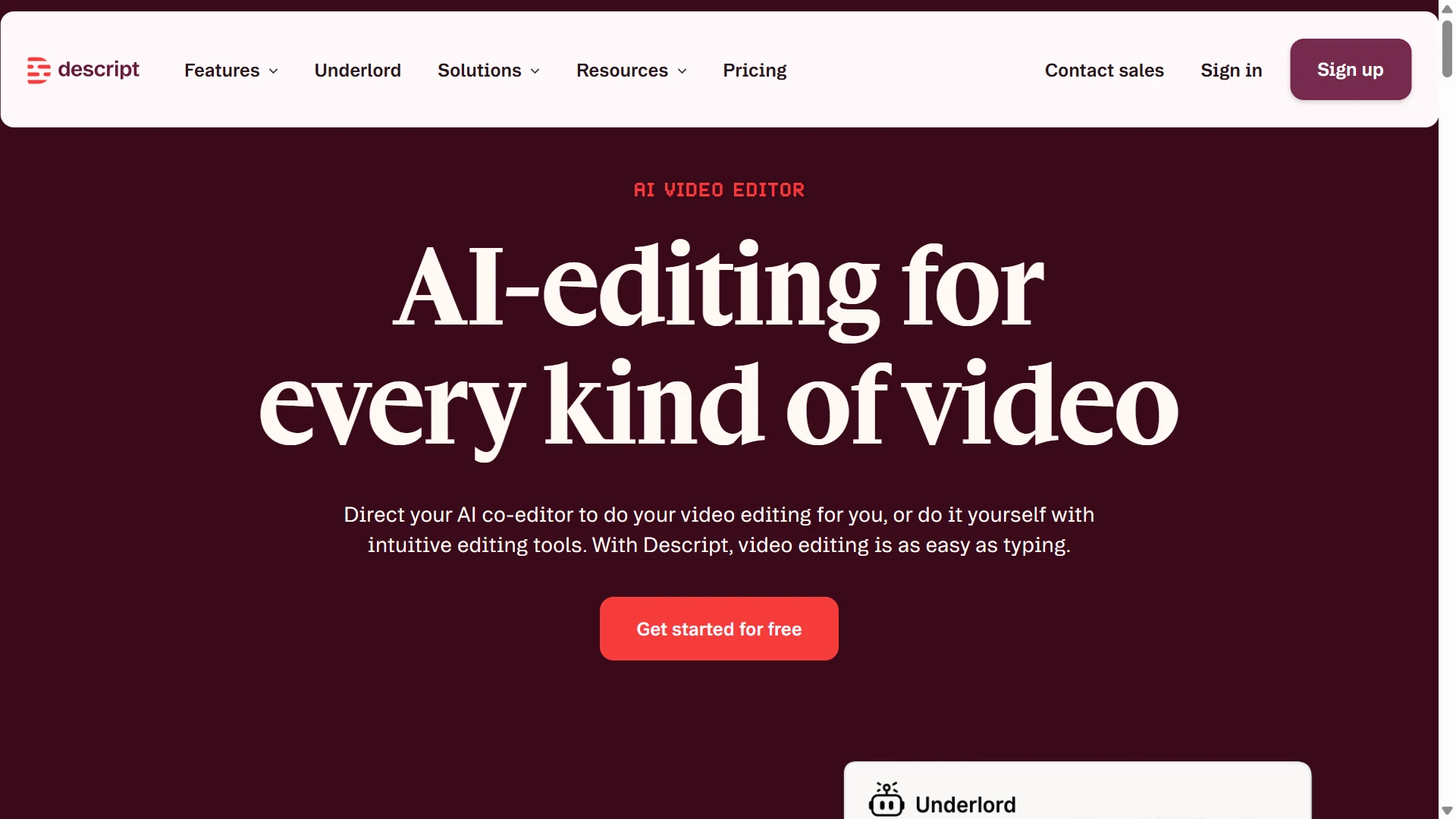
Video editing can become time-consuming when you need to remove mistakes, clean up audio, add captions, and prepare a recording for publication. Descript approaches much of this work through a transcript-based editing workflow.
For suitable recordings, editing the transcript can help you locate and remove unwanted sections without relying entirely on a traditional timeline. Its feature set also includes AI-assisted tools for audio and video production.
Consider a creator recording a tutorial about website setup. The original recording may include pauses, repeated explanations, and a few mistakes. A transcript-based workflow can make it easier to find those sections and prepare a cleaner version.
The final result still needs review. Removing words from a transcript can sometimes affect the rhythm of speech, and automatic transcription may misinterpret names or technical terms.
What works well
- Editing spoken-word video content.
- Preparing transcripts and captions.
- Cleaning up recordings.
- Producing tutorials, interviews, and explainers.
What to watch out for
It is most relevant when your content involves recorded speech. It may not be the right choice if you mainly create static graphics or written articles.
Pricing: Check the official Descript website for current plans and usage limits.
Best for: Video and Audio Editing, Video creators, educators, podcasters, and marketers who regularly publish spoken content.
6. Runway
Official website: Runway
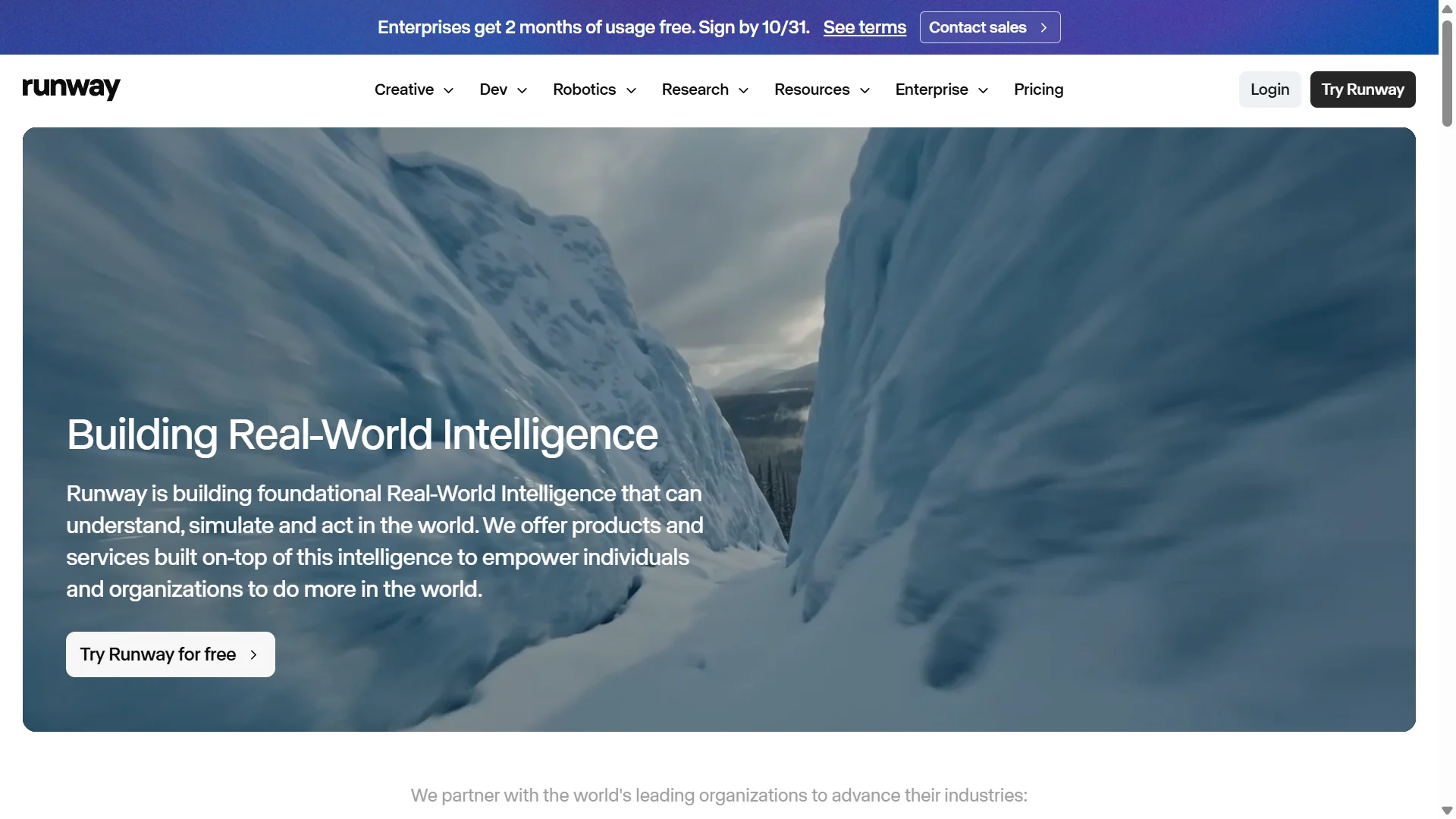
Runway is worth exploring if you want to experiment with AI-generated video and visual storytelling.
Rather than starting with filmed footage, you can use supported generative features to create or transform visual material. This may be useful for conceptual scenes, creative sequences, and supporting visuals for marketing or educational content.
For example, a creator developing a video about the future of remote work might need a few illustrative scenes that would be difficult or expensive to film. AI video generation can provide a starting point for those visuals.
However, generating a usable clip is not the same as producing a finished video. You may need several attempts to get the composition, movement, and continuity right. You will also need to edit the clips into a coherent story.
What works well
- Exploring AI-generated video scenes.
- Creating visual concepts and short sequences.
- Experimenting with different styles and compositions.
- Developing supporting footage for creative projects.
What to watch out for
Generated movement and scene continuity can be inconsistent. Review each clip for visual errors, unexpected changes, and details that could mislead viewers.
Pricing: Features, credits, and access depend on the current plan. See the official Runway website for up-to-date information.
Best for: AI-Assisted Video Creation, Creators who want to experiment with generative video and have time to review and edit the results.
7. ElevenLabs
Official website: ElevenLabs
Not every creator wants to record their own voice. Others already have recordings but need a different narration style or additional audio for a project. ElevenLabs offers AI voice and audio-generation tools that can help with those tasks.
For example, a blogger turning an article into an audio version might use a synthetic voice to create narration. A video creator might prepare voiceovers for an explainer, provided the chosen voice and usage rights suit the project.
The quality of the final result depends on the script, language, pronunciation, and selected voice. Even when the audio sounds natural, you should listen to the full recording before publishing. Product names, abbreviations, and unfamiliar words may be pronounced incorrectly.
What works well
- Creating narration for videos.
- Producing voiceovers for explainers.
- Exploring audio versions of written content.
- Developing spoken content in supported languages.
What to watch out for
Check commercial usage rights, voice licensing, and restrictions on voice cloning. Do not clone someone’s voice or create audio that could mislead people without the required permission and appropriate disclosure.
Pricing: Review the official ElevenLabs website for current plans, usage allowances, and licensing terms.
Best for: AI Voiceovers and Audio, Video creators, educators, publishers.
8. Grammarly
Official website: Grammarly
A draft can communicate the right idea and still be difficult to read. Long sentences, repeated words, unclear transitions, and small grammatical errors can distract readers from the message.
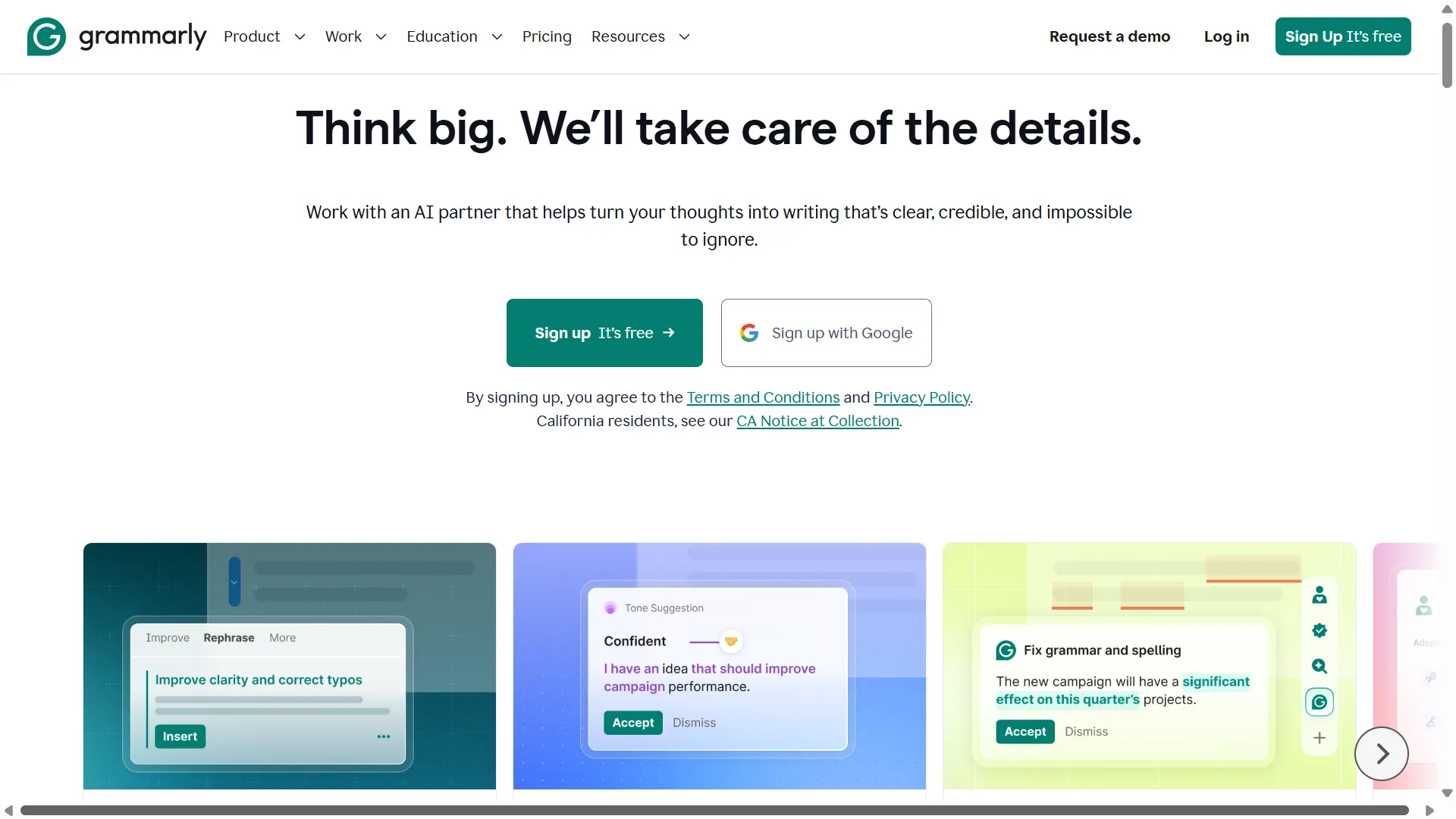
Grammarly can help identify writing issues and suggest improvements to clarity, correctness, tone, and readability. Its AI-assisted features can also support rewriting and drafting tasks, depending on the current plan.
For example, after finishing a blog post, you might use it to identify awkward sentences or catch repeated wording. You should still decide whether each suggestion preserves your meaning and sounds appropriate for your audience.
The aim is not to make every sentence sound formal. A conversational article can be clear and professional without losing its personality.
What works well
- Catching spelling and grammar issues.
- Improving sentence clarity.
- Reviewing tone and readability.
- Identifying wording that could be more concise.
What to watch out for
Automated suggestions can sometimes flatten a writer’s voice or change the intended meaning. Read the revised text in context instead of accepting every recommendation.
Pricing: Free and paid options may be available, with features depending on the plan. Check the official Grammarly website for current details.
Best for: Bloggers, students, freelancers, and professionals who want an additional editing check before publishing.