Research can take longer than expected. You might begin with a simple question, open a few search results, save several articles, and end up with twenty tabs without a clear answer. Academic papers can be difficult to understand, important details may be buried in long reports, and some websites repeat information without providing reliable evidence.
AI research tools can make this process easier. They help you discover relevant sources, explore unfamiliar subjects, summarize lengthy documents, and organize information before you make a decision or write something of your own.
However, there is an important distinction: an AI-generated answer is not automatically a verified answer. A tool may misunderstand a source, overlook a useful study, or present an inaccurate claim with complete confidence. The real value comes from using AI to make research more efficient while checking the evidence yourself.
In this guide, we will look at some of the best AI tools for research, what each one is useful for, where its limitations lie, and how to choose the right option for your needs.
1. Perplexity — Best for Finding Web Sources Quickly
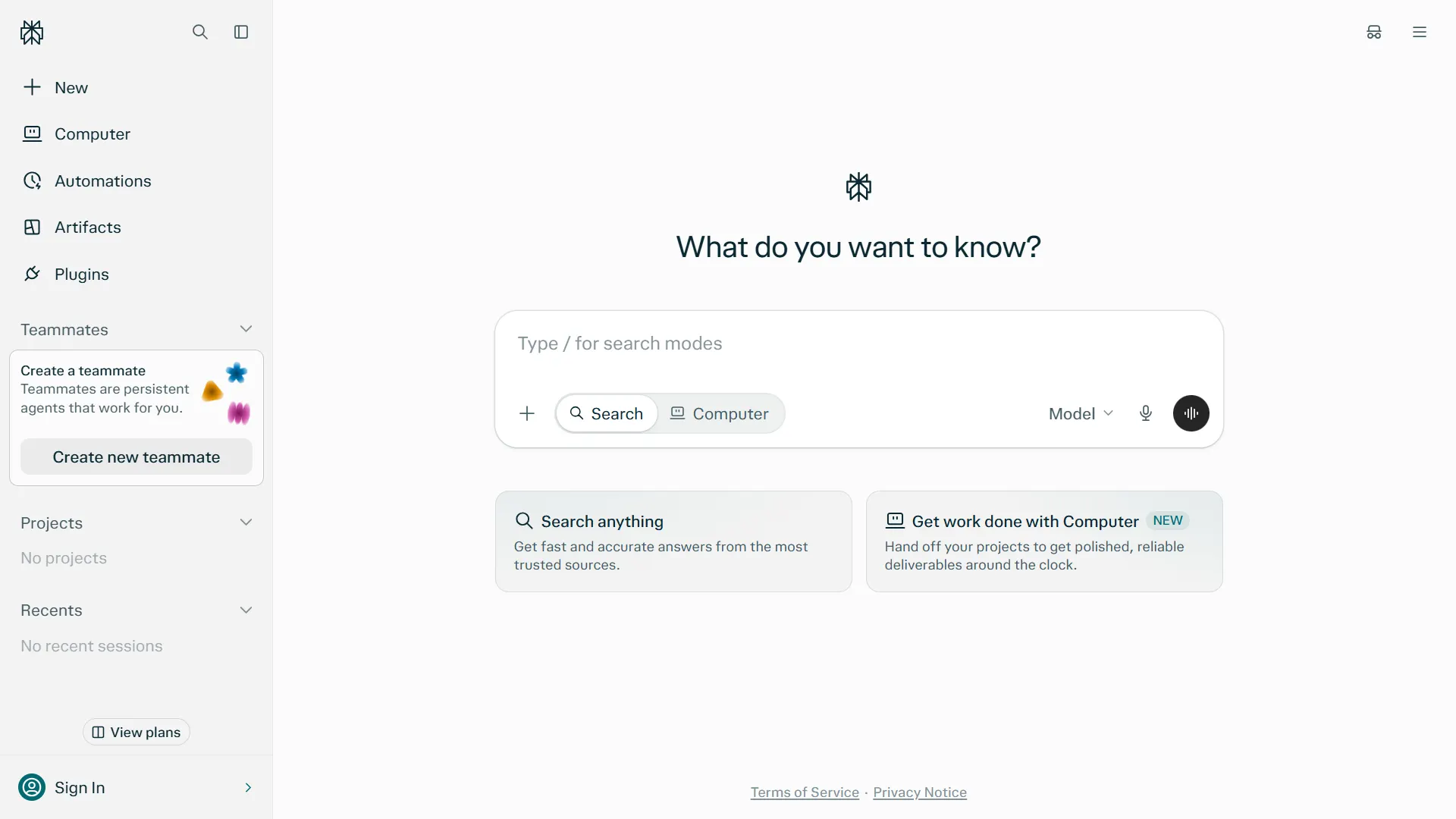
When you research a subject using a traditional search engine, you usually need to open several pages and piece the information together yourself. Perplexity offers a different approach: it generates a conversational answer based on information it retrieves from the web and provides citations to help you investigate further.
For example, imagine you want to understand how artificial intelligence is changing small businesses. Instead of searching for every related question separately, you could ask Perplexity to explain the major applications, identify credible reports, and highlight recent developments.
That gives you a starting point without requiring you to read every search result immediately.
What makes it useful?
- Helps you explore broad questions through conversational searches.
- Provides citations that can lead you to relevant source material.
- Supports follow-up questions when you need more detail.
- Can help you discover reports, articles, and other web resources.
Perplexity is particularly useful during the early stages of research, when you know what you want to learn but are not yet sure which sources deserve your attention.
Where it falls short
A citation does not guarantee that the answer accurately represents the cited page. A source might support only part of a claim, provide outdated information, or offer an opinion rather than strong evidence.
You should also avoid assuming that every relevant source has been discovered. Search tools have limitations in what they retrieve, and an answer may omit useful material.
Our take: Start with Perplexity when you need a quick overview and a list of sources worth exploring. For important claims, open the original pages rather than relying on the summary alone.
Website: Perplexity2. Elicit — Best for Academic Literature Research
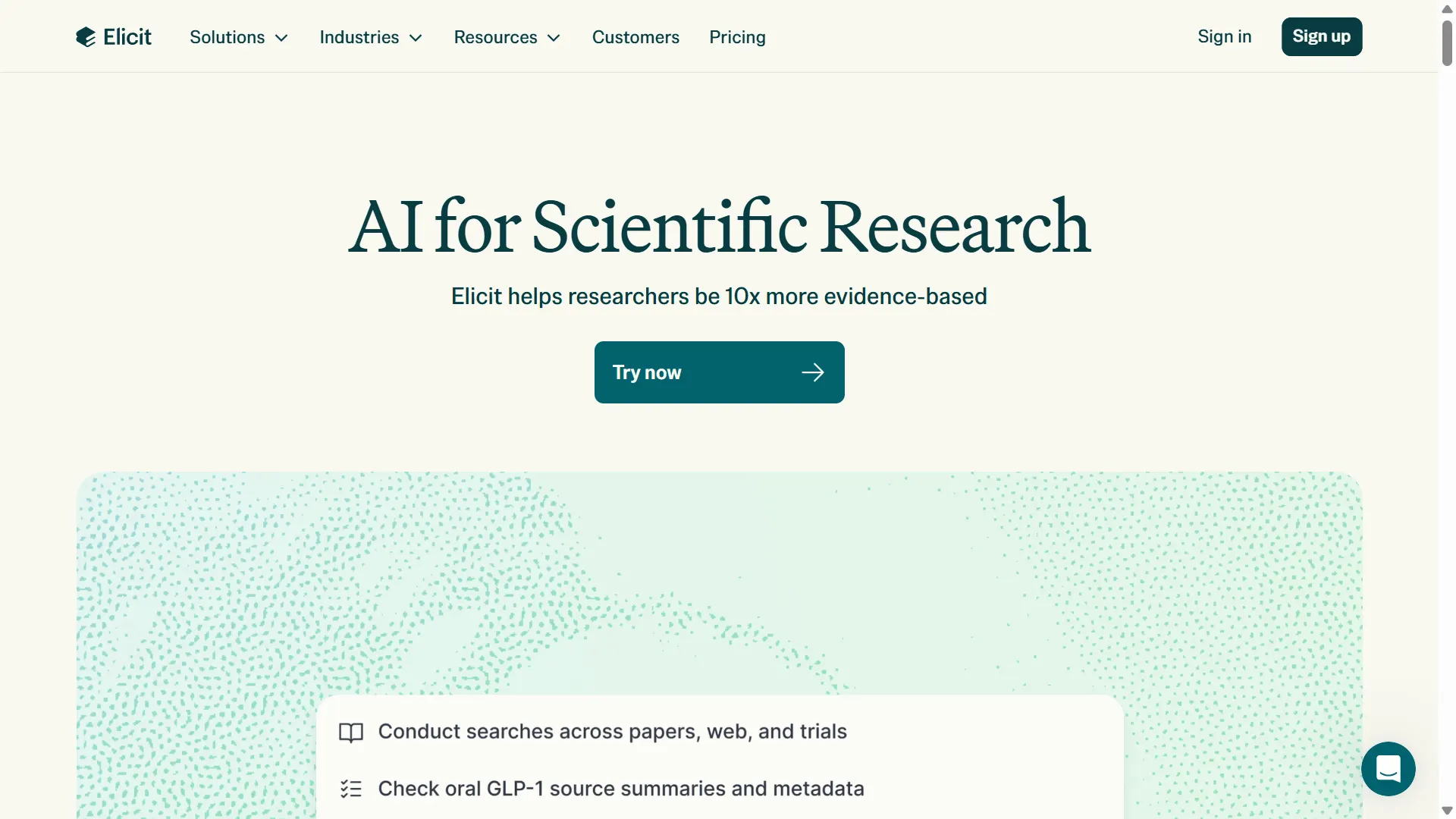
Academic research presents a different challenge from ordinary web searching. You may need to locate studies that address a specific question, understand their methods, and compare findings across multiple papers.
Elicit is designed to help with research workflows involving academic literature. Depending on its current features and available access, it can help users discover papers, extract information from studies, and organize findings for further review.
Suppose you are researching whether a particular learning method improves student performance. Rather than relying on general articles, you could use Elicit to investigate relevant studies and identify which papers may deserve closer reading.
What makes it useful?
- Helps identify academic papers relevant to a research question.
- Can make it easier to organize information across multiple studies.
- Supports literature-review workflows.
- Reduces some of the manual effort involved in screening large amounts of research.
This is valuable when you need to understand what researchers have studied, not simply what popular websites say about a subject.
Where it falls short
A literature search is only as comprehensive as its coverage and search approach. Relevant papers may be missed, and extracted details can be incomplete or misinterpreted.
You should read the original studies before drawing conclusions. Pay particular attention to the sample size, research design, limitations, and whether the findings actually answer your question.
For a formal systematic review, AI assistance should not replace a documented search strategy, predefined inclusion criteria, or careful screening of the literature.
Our take: Consider Elicit when academic papers are central to your project. It is less necessary for a straightforward question that can be answered using a few reliable official sources.
Website: Elicit3. Consensus — Best for Research-Based Answers
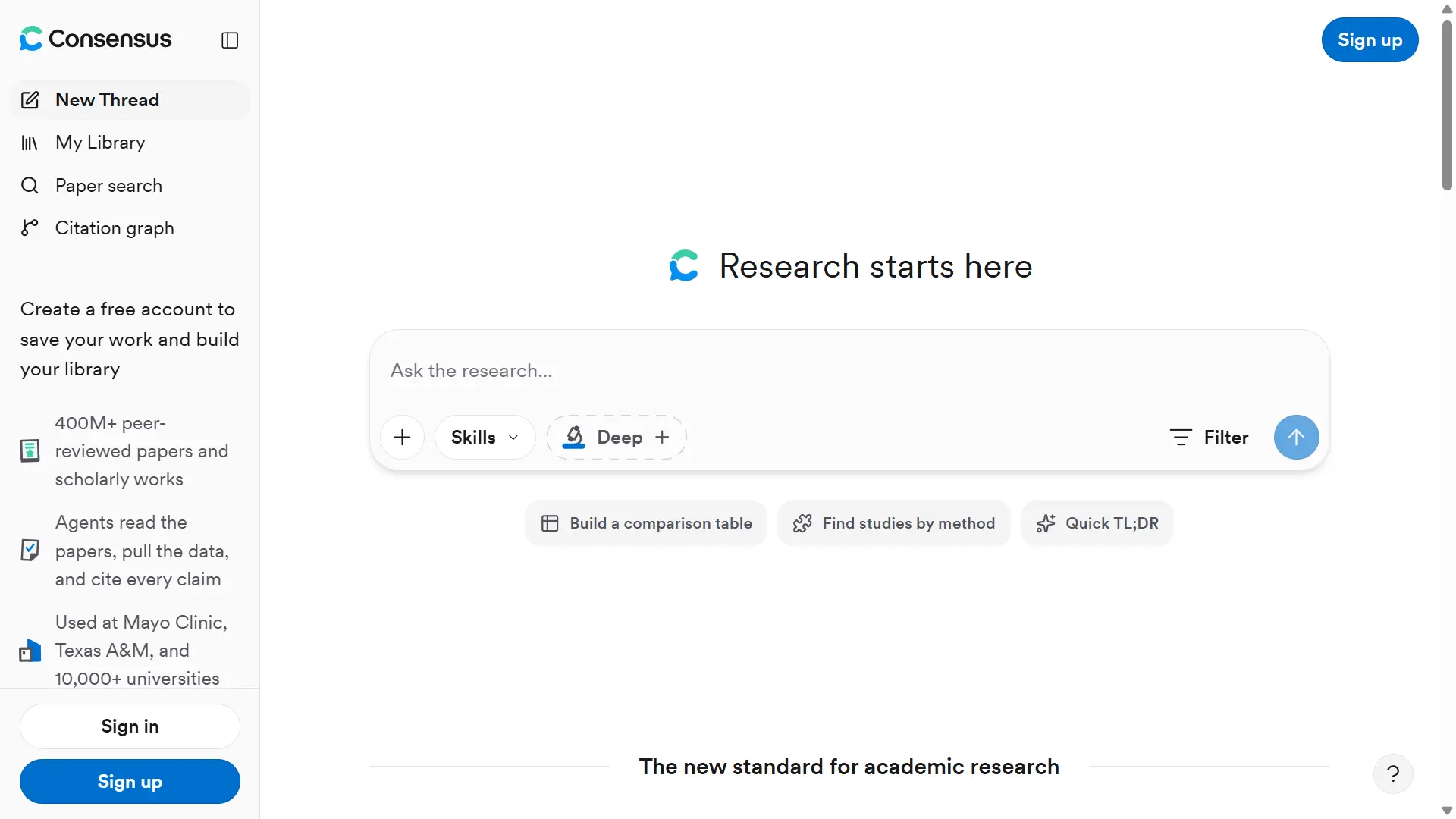
Sometimes, the challenge is not finding information but understanding what the available evidence suggests.
For example, a student might ask whether spaced repetition helps people retain information. A business professional might want to explore published research on remote work and productivity. A health-related question may require careful examination of scientific evidence rather than opinions from social media.
Consensus is built around searching scientific literature and helping users explore what research papers say about a question.
What makes it useful?
- Focuses on research literature rather than general web content alone.
- Helps users discover relevant scientific papers.
- Makes it easier to explore questions through existing research.
- Can serve as a starting point for comparing published findings.
This focus is useful when you want to investigate a claim instead of accepting a popular explanation at face value.
Where it falls short
Scientific findings are rarely as simple as a single yes-or-no answer. Two studies may reach different conclusions because they use different populations, methods, measurements, or definitions.
A summary can also make a result appear more definitive than the evidence warrants. The number of studies supporting a conclusion is not enough on its own; study quality and relevance matter.
For medical, financial, or other high-impact decisions, do not treat an AI research summary as a substitute for qualified professional advice.
Our take: Consensus is worth considering when your question is best answered by examining scientific literature. Use it to locate and understand studies, then check the original papers before repeating their conclusions.
Website: Consensus4. NotebookLM — Best for Researching Your Own Documents
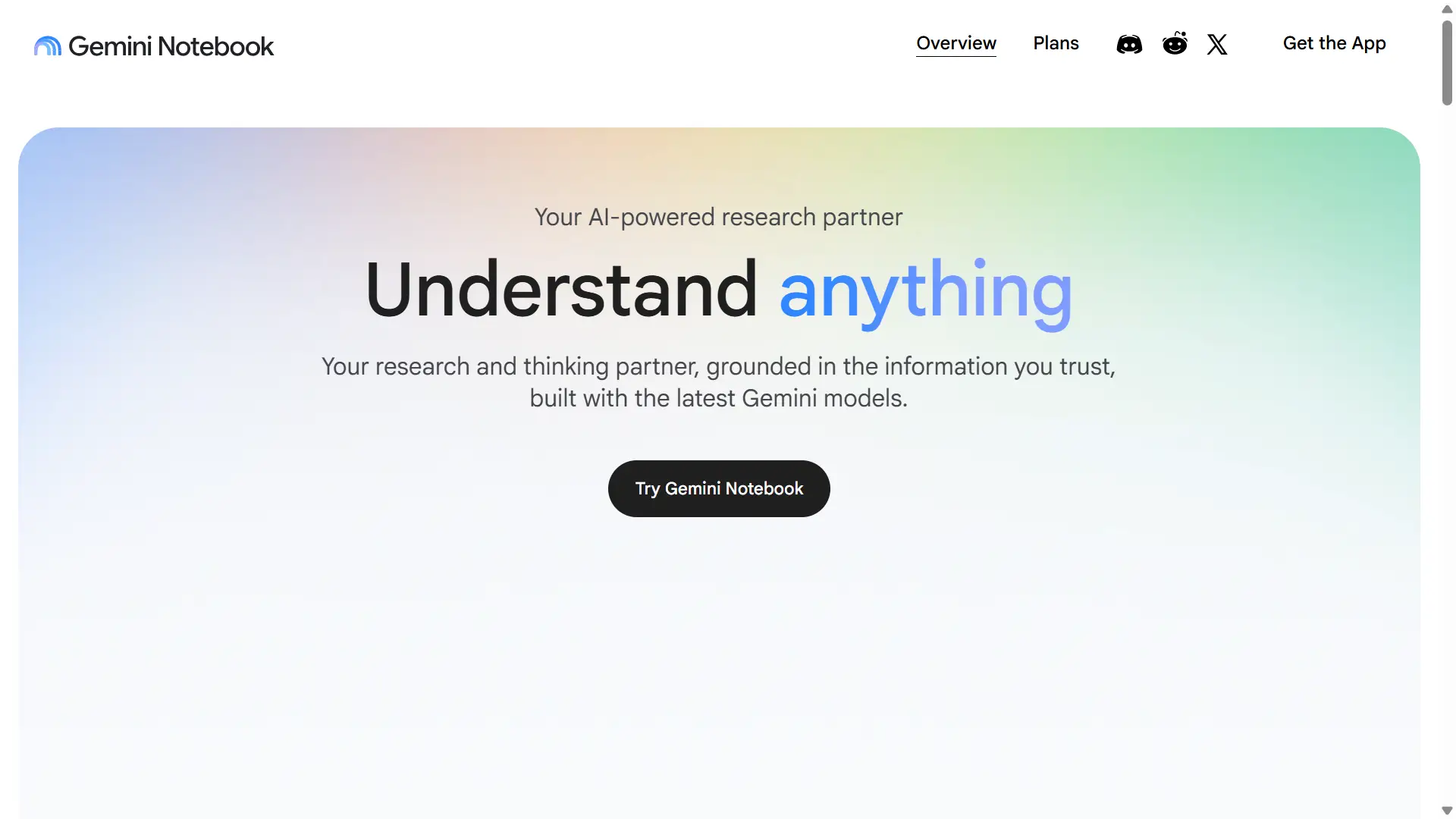
Not every research task begins with a blank search box. Sometimes you already have a folder full of PDFs, reports, meeting notes, articles, or course materials. The challenge is finding the relevant information without reading every document from beginning to end.
NotebookLM is designed to help users work with supplied source materials. You can create a notebook around a project and ask questions about the documents you add. Its responses can include citations or references that help you return to the relevant passages in those sources.
Imagine you are preparing a report from five industry studies. You need to compare their findings, identify recurring themes, and note where their conclusions differ. A source-focused assistant can help you locate relevant passages more efficiently.
What makes it useful?
- Helps you ask questions about a selected collection of documents.
- Can summarize material and identify themes across sources.
- Helps you return to relevant passages instead of searching manually.
- Keeps research organized around a particular topic or project.
One practical advantage is that you can begin with sources you have already selected, rather than allowing a general web search to determine the entire direction of your research.
Where it falls short
NotebookLM cannot guarantee that the documents you upload are accurate, complete, or up to date. If your source material contains an error, the resulting summary may carry that error forward.
It may also overlook context or interpret a passage incorrectly. Always check the cited section, especially when you are extracting numbers, definitions, or conclusions.
Be careful with confidential business records, personal information, unpublished research, and copyrighted materials. Review the service’s current privacy and data-handling terms before uploading sensitive documents.
Our take: NotebookLM is a strong candidate when you already have a useful collection of documents and want to understand them more efficiently.
Website: NotebookLM5. Semantic Scholar — Best for Discovering Scholarly Papers
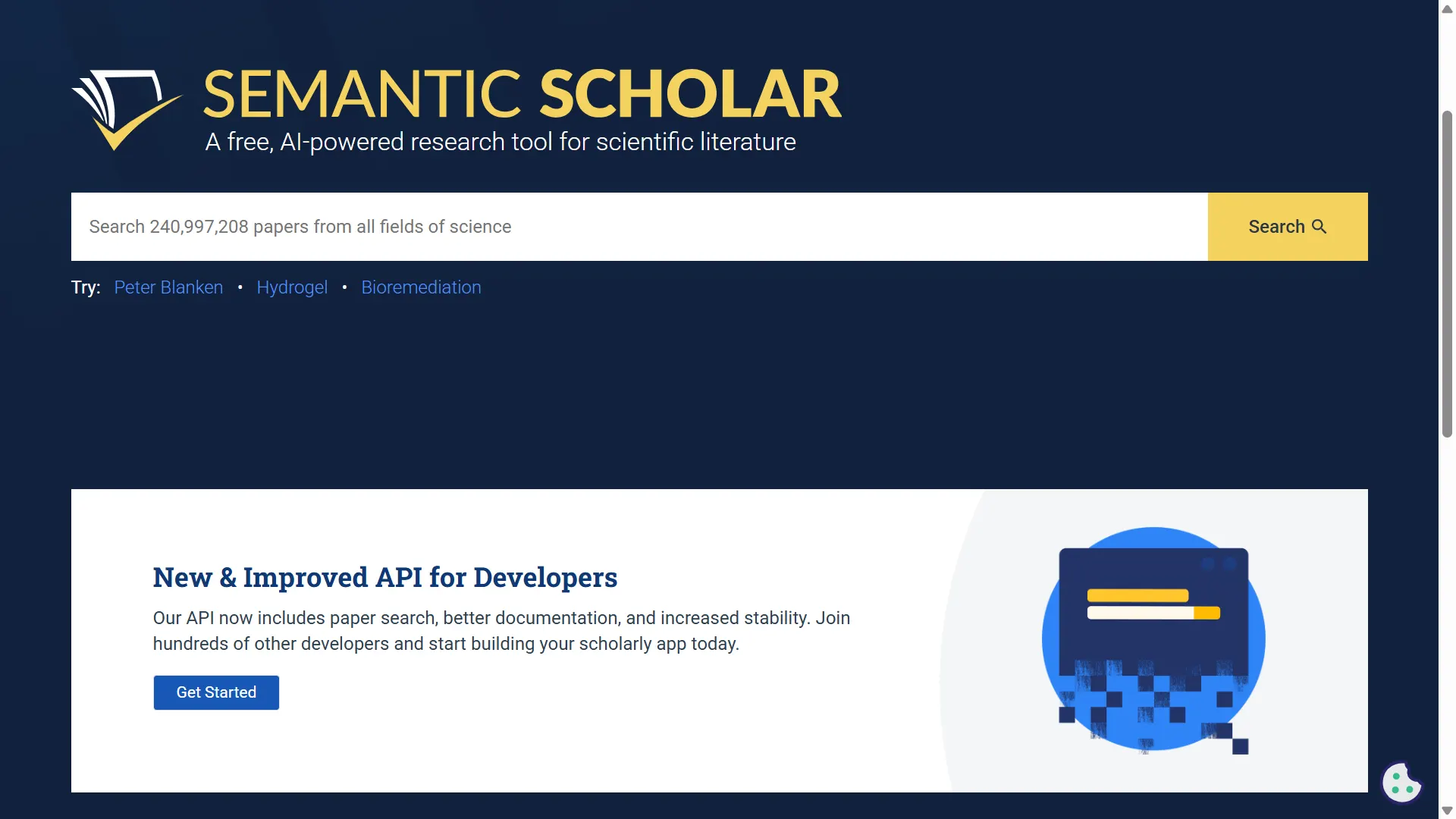
Semantic Scholar is an AI-powered academic search tool developed by the Allen Institute for AI. It helps users discover scholarly papers and explore connections between research publications.
It is especially relevant when a topic requires more than a general search. For instance, someone researching machine learning may need to locate foundational papers, follow newer work in the same area, and identify publications worth reading in full.
What makes it useful?
- Provides a search experience focused on scholarly literature.
- Helps users discover related academic papers.
- Makes it easier to explore research topics and publication connections.
- Offers a useful starting point for building a reading list.
Semantic Scholar can be helpful even if you do not have access to every full-text paper. Search results and publication details may help you identify the material you need to locate through a university library or an openly available repository.
Where it falls short
No academic search platform includes every publication or indexes every paper in the same way. Search results can also vary in relevance, and an abstract may not contain enough information to evaluate a study properly.
Do not confuse a paper appearing in search results with proof that its findings are reliable. Check its methods, publication details, limitations, and relationship to other research.
Our take: Use Semantic Scholar to build and expand a list of academic sources. Pair it with a literature-focused tool such as Elicit when you need more structured comparisons.
Website: Semantic Scholar6. ChatGPT — Best for Understanding and Organizing Research
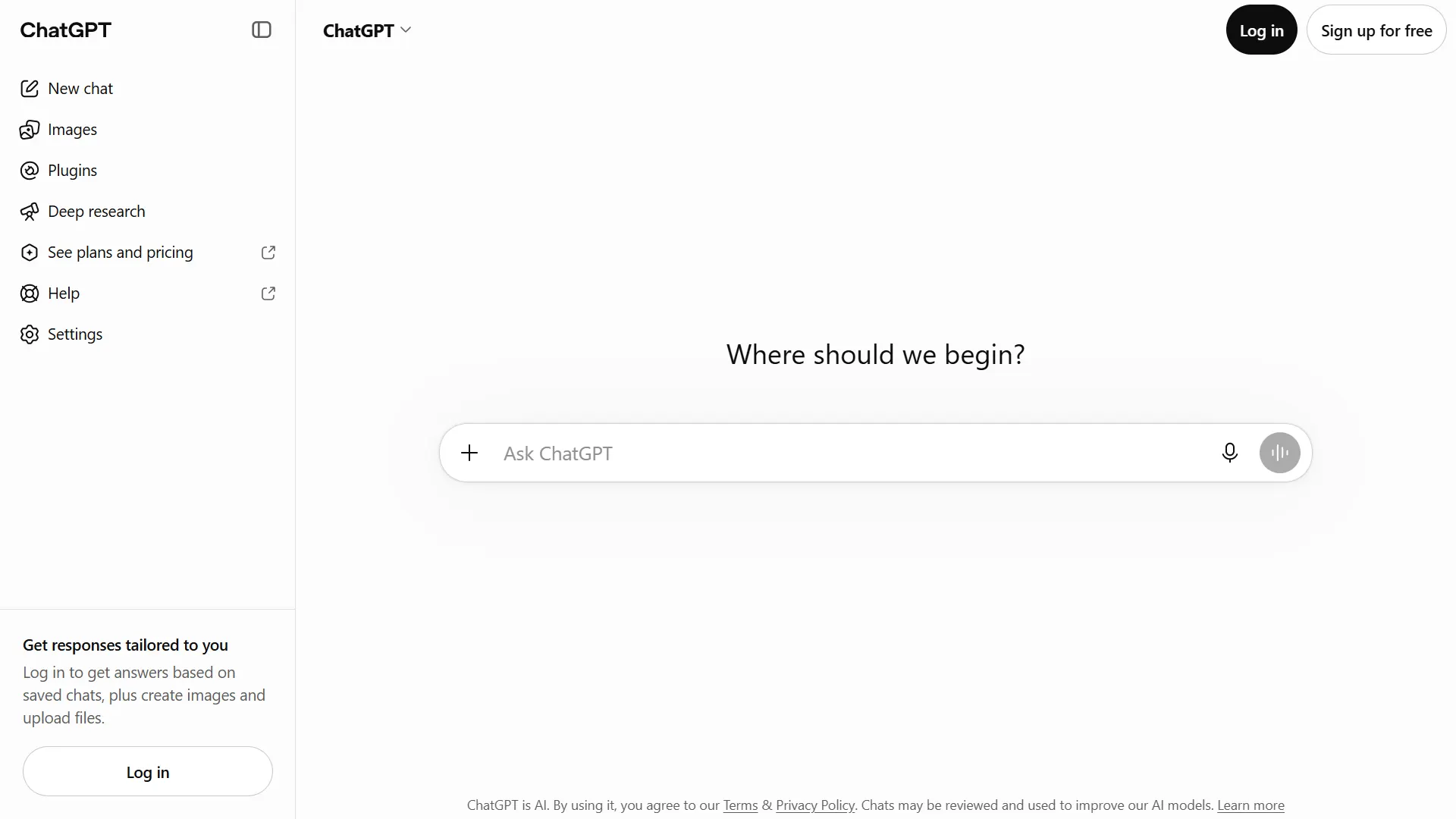
Research does not end when you find a source. You still need to understand it, decide whether it is relevant, and work out how it fits into the bigger picture.
ChatGPT can assist with these tasks. Depending on the tools and features available in your account, you can ask it to explain a difficult concept, compare passages you provide, organize notes, or help develop a research plan.
For example, a beginner researching cloud computing might ask for a plain-language explanation of virtualization. A blogger researching website security could use it to organize questions that need answers from official documentation.
What makes it useful?
- Explains technical concepts in language suited to your level.
- Helps turn a broad topic into specific research questions.
- Organizes notes into outlines, categories, and comparison tables.
- Can help identify gaps in an argument or suggest points that need further investigation.
- Supports follow-up questions when an explanation is unclear.
Its flexibility is useful because research rarely follows a perfectly straight path. One answer often leads to another question, and a conversational assistant can help you work through those connections.
Where it falls short
ChatGPT can generate incorrect information, misunderstand supplied documents, or present a plausible explanation without enough evidence. Its capabilities also depend on the model, tools, and access available at the time.
If web search or research features are available, inspect the sources they provide. If you are working from uploaded documents, verify important statements against the original text.
Avoid asking an AI assistant to invent citations or references. If you need a source for a claim, locate a real publication and confirm that it supports the statement.
Our take: Use ChatGPT as a research partner for thinking, explanation, and organization—not as the final authority on factual questions.
Website: ChatGPTHow to Use AI for Research Without Losing Accuracy
Choosing a good tool is only part of the process. The way you use it determines whether you end up with reliable information or a polished summary that hides important gaps.
Here is a workflow that works for many research tasks, from writing an article to preparing a college assignment or business report.
Step 1: Define the question before opening an AI tool
A vague question usually produces a broad answer.
Instead of asking, “Tell me about AI in business,” narrow the task to something more useful:
“What are three common ways small businesses use AI for customer support, and what evidence supports each use case?”
A specific question gives you a clearer starting point. It also makes it easier to judge whether the sources you find are relevant.
Step 2: Use AI to discover sources, not just answers
Ask the tool to identify relevant reports, research papers, official documentation, or reputable publications. Where possible, request the publication date and the original source.
For example, if you are researching website performance, official documentation from a browser vendor or web standards organization may be more useful than a general article that does not explain its sources.
Do not stop at the generated overview. Open the pages that appear most relevant and read the sections that address your question.
Step 3: Check whether each source supports the claim
This is one of the most important habits to develop.
Suppose an AI answer states that a particular method improves productivity by 30%. Before repeating that number, find the original report or study.
Check:
- Does the source actually contain that figure?
- What group or situation was studied?
- When was the research published?
- Is the number a measured result, an estimate, or a marketing claim?
- Does the source support the full statement or only a narrower point?
A citation is useful only when it leads to evidence that genuinely supports the claim.
Step 4: Compare more than one credible source
A single article may leave out an important qualification. Comparing independent sources helps you spot differences and understand where uncertainty remains.
For current product specifications, start with the official documentation. For academic questions, compare relevant studies and examine their methods. For public statistics, look for the original dataset or report.
You do not need dozens of sources for every sentence. You need enough appropriate evidence to support the conclusions you make.
Step 5: Keep notes that separate evidence from interpretation
While researching, distinguish between three things:
- Verified information: A claim directly supported by a source you checked.
- Interpretation: Your explanation of what the evidence may mean.
- Unresolved questions: Details you have not yet confirmed or where sources disagree.
This simple separation helps prevent assumptions from quietly becoming facts.
It is especially valuable when you are preparing a report or writing an article that readers will use to make decisions.
Step 6: Write in your own words and preserve the meaning
Once you understand the material, explain it clearly rather than copying a source’s wording or lightly rephrasing an AI-generated paragraph.
Your own explanation should preserve the original meaning, acknowledge uncertainty, and include a citation when the information comes from an external source.
If two credible studies disagree, do not force them into a single confident conclusion. Explain the difference if it matters to the reader.
Step 7: Perform a final fact-check
Before publishing or submitting your work, review the details most likely to cause problems:
- Names of products, organizations, and researchers.
- Statistics, dates, prices, and technical specifications.
- Direct quotations and attributed statements.
- Links and citations.
- Claims that use words such as “always,” “proven,” or “guaranteed.”
These are easy details to overlook when a paragraph reads smoothly. A final check helps ensure that the writing is not merely convincing but also dependable.
Final Thoughts
AI research tools can save time, but the most useful one is not necessarily the tool that produces the longest or most confident answer. It is the one that helps you reach relevant evidence, understand it, and decide what to do next.
If you are exploring a topic for the first time, begin with Perplexity. For academic literature, consider Elicit, Consensus, or Semantic Scholar. If your research already consists of PDFs and reports, NotebookLM may be a better fit. And when you need help making sense of complicated ideas or organizing your notes, ChatGPT can support the process.
You do not need to use every tool on this list. Choose one that fits your task, learn its limitations, and build the habit of checking important claims against their original sources.
The real advantage of AI-assisted research is not that it removes the need to think. It gives you more time to focus on the thinking that matters.
Frequently Asked Questions
What is the best AI tool for research?
The best option depends on the task. Perplexity is a useful starting point for web research, Elicit and Consensus focus on research literature, NotebookLM helps analyze supplied documents, Semantic Scholar supports academic discovery, and ChatGPT assists with explanations and organizing ideas.
Can AI research tools provide accurate sources?
They can help you find relevant sources, but accuracy is not guaranteed. Check the original publication, confirm that the citation exists, and make sure it supports the statement being made.
Are AI research tools suitable for students?
Yes. Students can use them to discover papers, understand unfamiliar concepts, organize reading notes, and develop research questions. They should still follow their institution’s academic-integrity rules and cite original sources appropriately.
Can I use AI tools for a literature review?
AI tools can assist with discovering papers, screening material, and organizing findings. A rigorous literature review still requires a transparent search strategy, careful assessment of study quality, and verification against the original publications. For a systematic review, do not rely on an AI assistant as the sole search or screening method.
Which AI tool is best for summarizing PDFs?
NotebookLM is a useful option when you want to work with a collection of documents. Other assistants may also support document uploads and summarization, depending on their current features and plan limits. Always check the summary against the original document when details matter.
Are paid AI research tools worth it?
They can be worthwhile if you conduct research frequently and a paid feature solves a real problem, such as usage limits or a specific workflow requirement. If your needs are occasional, begin with free access and upgrade only when you can identify a clear benefit.
Will AI replace traditional research?
AI can reduce the effort involved in searching, summarizing, and organizing information, but it does not eliminate the need to evaluate evidence. Researchers still need to judge source quality, interpret findings, recognize limitations, and take responsibility for their conclusions.